Best Used iPads for Students in 2026: Which Models Still Last
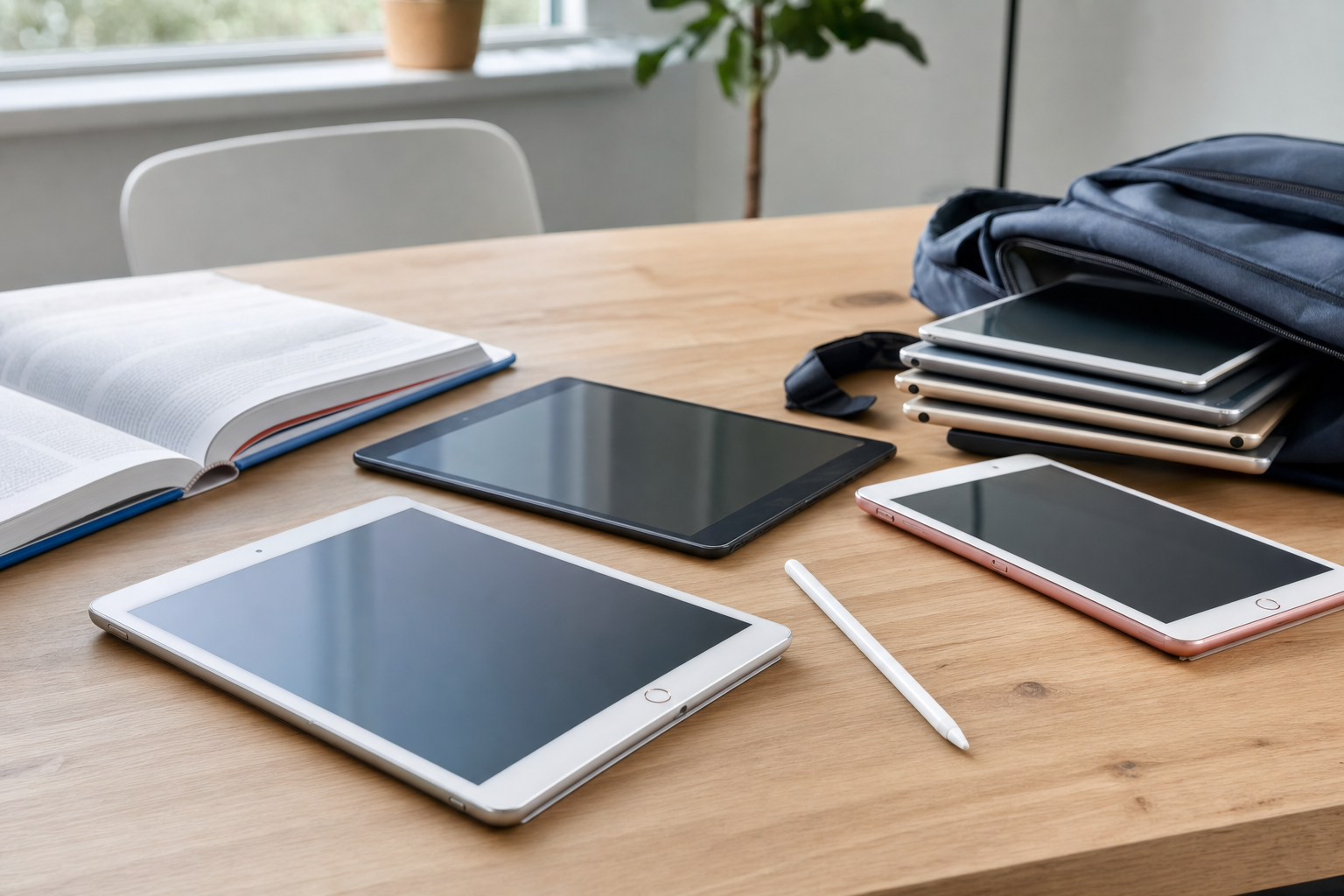
The best used iPads for students in 2026 are usually the iPad 9th generation, iPad Air 4, and iPad Pro models from the 2018-2021 window. Those generations still make sense because they balance current app support, solid note-taking performance, reasonable battery expectations, and prices that do not drift too close to a brand-new tablet.
Quick Answer: If you want the safest all-around buy, look for a used iPad 9th gen or iPad Air 4 with clear battery and storage details, while older base iPads only make sense if the price is low enough to justify shorter remaining software life.
Key Takeaways
- The best used iPads for students in 2026 are the models that still support current school apps and recent iPadOS versions.
- Battery condition matters more than cosmetic wear for a device that will spend all day in classes and libraries.
- Students who annotate PDFs, record lectures, and store media should target 256GB when the budget allows.
- SERI, the organization behind the R2 standard, provides the framework that supports consistent testing and grading language across responsible electronics resale.

Which used iPads still make sense for students in 2026?
Three years of classes can expose the difference between a cheap tablet and a sensible one. A student iPad has to launch Canvas, Google Docs, note apps, PDF readers, video calls, and split-screen multitasking without feeling like a museum piece by midsemester.
The sweet spot is not the oldest model that still powers on. It is the oldest model that still has comfortable performance headroom, enough storage for schoolwork, and a realistic chance of getting through another few software cycles.
That usually puts the base iPad 9th gen near the top for value, the iPad Air 4 in the best-performance-per-dollar slot, and certain older iPad Pro models in the “still excellent if priced right” tier. If you are still deciding whether a tablet is enough for your workload, our guide on where to buy used electronics without guesswork pairs well with comparing options in Tablets and Laptops & Notebooks.
What makes an iPad good for note-taking and schoolwork?
Low-latency writing matters, but so do boring things like screen size, palm rejection, and whether the device can keep a browser, note app, and textbook open at once. Students who handwrite notes all day tend to notice lag and app reloads faster than casual users do.
The 10.2-inch and 10.9-inch class remains the practical middle ground. Smaller tablets travel well, but long annotation sessions are easier on a larger panel, especially if you spend hours marking up slides or reading journal articles.
Accessory support also shapes the experience. Pencil compatibility, keyboard case options, and USB-C versus Lightning affect how easily an iPad fits into a campus workflow that includes flash drives, displays, or a dorm desk setup.
How much iPad storage do students actually need in 2026?
For note-taking only, 64GB can still work. A disciplined student who keeps most files in cloud storage and does not hoard downloaded video can get by, especially in majors that live mostly in browsers and PDFs.
That said, 256GB is the safer buy. Lecture recordings, scanned textbooks, Procreate files, offline media, and years of coursework can fill a 64GB tablet faster than many buyers expect.
Students in design, architecture, nursing, or media-heavy programs should treat 64GB as a compromise rather than a target. Storage on iPads is not upgradeable later, so the cheaper unit often becomes the more expensive mistake.
Why does battery condition matter more than age alone?
A six-year-old tablet with a healthy battery can be more useful than a newer one with heavy prior use. Students need a device that lasts through classes, transit, and study sessions without turning every afternoon into a hunt for an outlet.
Unlike some laptops, iPad battery details are not always front-and-center in listings. That makes listing quality important: you want signs of testing, charging confirmation, and a clean description of what is included.
That is why grade language helps, even when it does not give a battery percentage. A listing tied to Understanding R2V3 Grades and the testing framework used by sellers operating from facilities aligned with SERI (Sustainable Electronics Recycling International) gives buyers a more consistent way to judge condition than vague phrases like “works great.”
What do F and C grades mean for a student buying an iPad?
The functional grade tells you what kind of testing and operational status you should expect. For a student tablet, F3 — Key Functions Working usually means the device passed checks on the core functions that matter most, while F4 — Hardware Functional points to fuller hardware functionality and is often the more comfortable target for daily school use.
The cosmetic grade is separate. A tablet graded C3 — Used Fair may show noticeable wear, while C4 — Used Good and C5 — Used Very Good are often easier to live with if you care about screen appearance, corner wear, or resale value after graduation.
For students, that split is practical. A scratched back panel is easy to ignore once the case goes on; a weak battery, charging issue, or flaky touchscreen is not.
What should I realistically pay for a used student iPad in 2026?
Pricing shifts with storage, connectivity, included accessories, and cosmetic condition, but a few broad ranges remain useful. Older base iPads with limited remaining runway should sit firmly in budget territory, while the iPad 9th gen and Air 4 tend to command the strongest demand because they still feel current enough for real school use.
Expect the cheapest examples to cluster around lower cosmetic grades, missing accessories, or less detailed listings. Cleaner C4-C5 units and stronger F4-F5 listings usually cost more, but that premium often saves frustration later.
| Model tier | Good fit for | Typical 2026 used value pattern |
|---|---|---|
| Older base iPads | Light notes, reading, backup device | Only worth it at clearly budget pricing |
| iPad 9th generation | Most students | Often the strongest value-to-longevity balance |
| iPad Air 4 | Heavy note-taking, multitasking, accessories | Usually costs more but stays desirable longer |
| 2018-2021 iPad Pro | Creative majors, power users | Excellent if priced well below newer Air models |
You can see the same value logic in adjacent categories. A Dell Latitude 5410 14" Laptop i5 10th Gen 256GB SSD 8GB RAM Win 11 Pro (Z3E2) C$179.95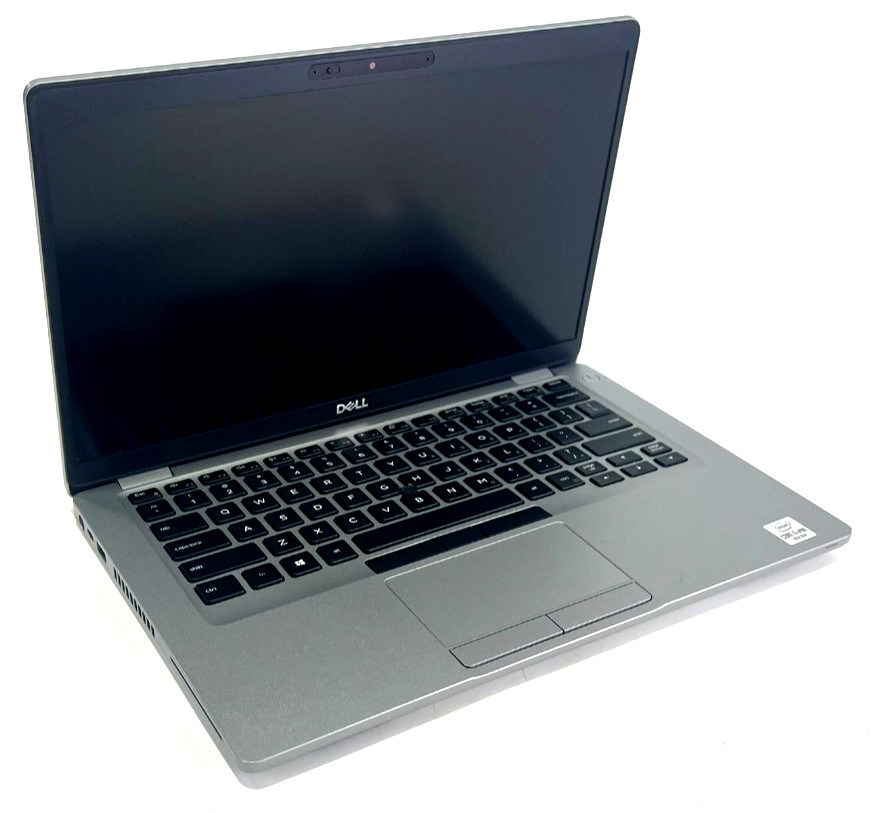 Dell Latitude 5410 14" Laptop i5 10th Gen 256GB SSD 8GB RAM Win 11 Pro (Z3E2) CView on eBay → at $179.95 is a reminder that older student hardware becomes attractive only when the price leaves room for age-related tradeoffs; the same rule applies to second-hand iPads with shorter remaining software life.
What should I look for in a used iPad listing?
Students should read iPad listings like a checklist, not like a product ad. The useful details are specific: model generation, storage capacity, Wi-Fi or cellular, charging port condition, whether a charger is included, and whether the screen has bright spots, cracks, or image retention.
Activation status matters too. A school tablet should be ready for a clean setup, not tied to a prior account or vague about resets and sign-out status.
Here is the short list that actually saves buyers money:
- Exact model and generation, not just “Apple iPad.”
- Storage size in GB, because 32GB and 64GB age very differently.
- Functional grade and cosmetic grade, with photos that match them.
- Charging cable or power adapter inclusion.
- Screen condition, especially scratches, pressure marks, and touch response.
- Battery or runtime notes if the seller provides them.
- Wi-Fi versus cellular, which changes both price and flexibility.
The same habit applies across categories. If a listing for a HP 672765-001 DC-B615 USB HD 720p Business Webcam Free Shipping$17.99F3C4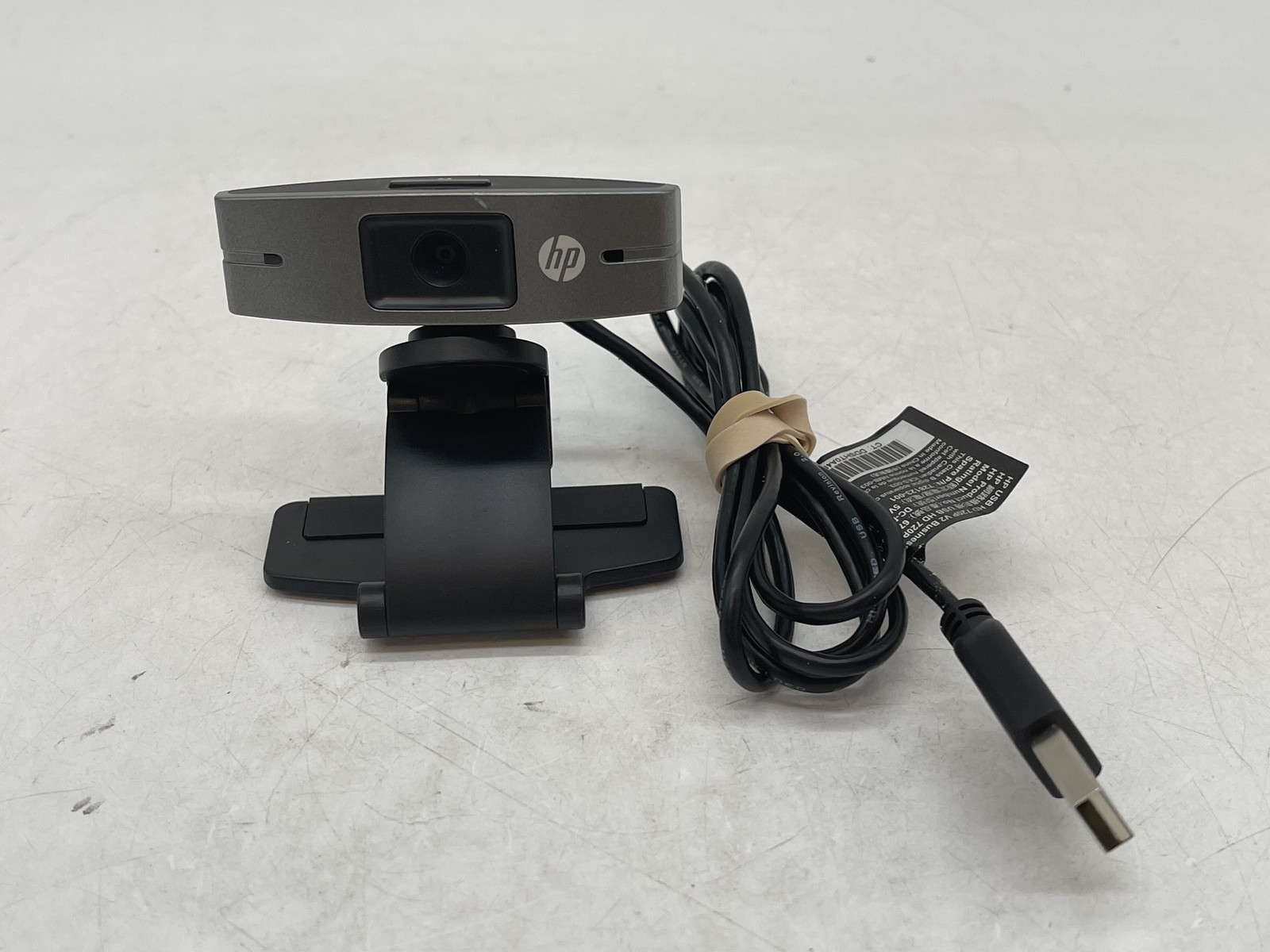 HP 672765-001 DC-B615 USB HD 720p Business Webcam Free ShippingView on eBay → can clearly state an F3/C4 grade, buyers should expect at least that level of condition clarity from a used iPad listing they plan to carry through finals week.
Which used iPad models are the best value for most students?
The iPad 9th gen is the easy recommendation because it sits in the middle of almost every student need. It handles mainstream note apps well, still feels modern for web work and video lectures, and usually lands in a pricing band that leaves room in the budget for a keyboard or stylus.
The iPad Air 4 is the smarter stretch buy. The newer design, stronger performance, and USB-C connectivity make it better suited to students who expect to keep one device for several school years and use it with accessories every day.
Older iPad Pro models remain tempting because the screens and speakers still feel premium, but value depends on the spread between them and newer Air models. If the price gap is small, the Air often makes more sense because it tends to be easier to live with as a long-term campus device.
When should a student buy a laptop instead of an iPad?
Some majors still punish tablet-first setups. If you need desktop-class browser workflows, heavier file management, coding tools, spreadsheets with multiple windows, or software that assumes a traditional operating system, an iPad can become a workaround machine.
That does not make tablets a bad choice. It means the best student device is the one that matches the course load, not the one with the cleanest industrial design.
A useful comparison is this Dell Latitude 5320 13.3" Laptop i7 11th Gen 256GB SSD 16GB RAM Win 11 (CDI) B$359.95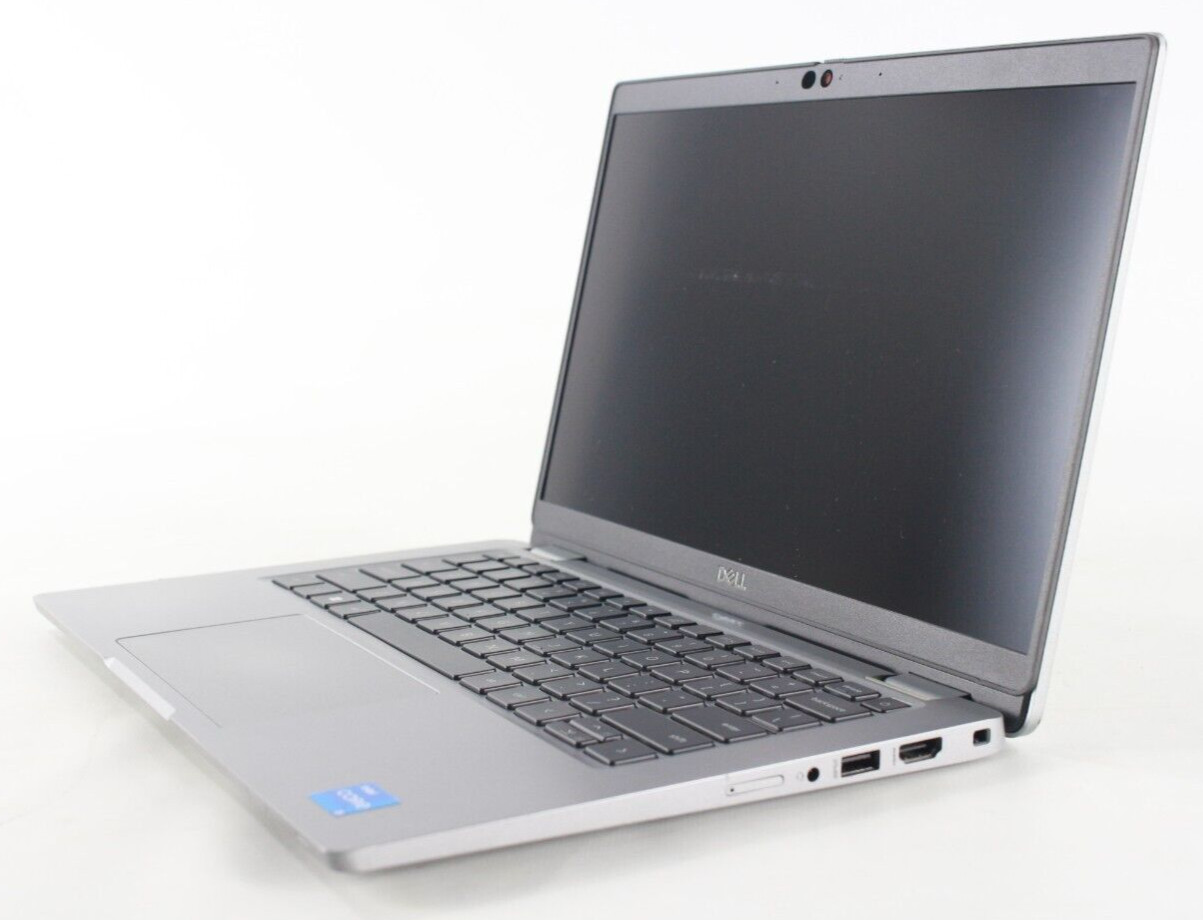 Dell Latitude 5320 13.3" Laptop i7 11th Gen 256GB SSD 16GB RAM Win 11 (CDI) BView on eBay → at $359.95: once used iPad pricing drifts too close to a capable off-lease laptop with 16GB of RAM and a full desktop OS, students should pause and decide whether handwriting and tablet portability really outweigh laptop flexibility.
How do responsible resale standards help when buying used student tech?
Consistency is the real benefit. Buyers do better when listings use a shared language for function and condition instead of improvised phrases that mean one thing to the seller and another to the student opening the box.
That is where the R2 framework and SERI matter in practice, alongside sources such as the official R2 Standard Overview and the EPA’s guidance on electronics donation and recycling. Students shopping second-hand are not just saving money; they are extending the useful life of devices that still have plenty of work left in them.
For readers who want the broader picture, Earth Day 2026: Why Buying Used Electronics Still Matters for Cutting E-Waste adds context on why a longer device lifespan matters beyond the checkout page.
Frequently Asked Questions
What is the best used iPad for students in 2026?
For most buyers, the iPad 9th generation is the safest answer because it balances current app support, comfortable note-taking performance, and pricing that still feels reasonable. Students who can spend more should look hard at the iPad Air 4 for better long-term value.
Is 64GB enough on a used iPad for college?
It can be enough for notes, reading, and cloud-first schoolwork, but it is tight for students who download lectures, keep large PDFs offline, or use creative apps. If you want a device to last through several years of classes, 256GB is usually the safer target.
Should I buy an older cheap iPad or a newer one with less wear?
Buy the newer generation if the price difference is manageable. Remaining software support, stronger battery odds, and better multitasking usually matter more than saving a little money on a much older tablet.
What functional grade should I target for a used student iPad?
F3 is often acceptable for budget buyers if the listing is detailed and the price reflects the grade. F4 is the more comfortable target for a daily school device because students depend on consistent charging, touch input, and battery behavior.
What cosmetic grade is good enough for a school tablet?
C3 can be fine if you plan to use a case and care more about price than looks. C4 or C5 is usually the better balance for a student who wants a cleaner screen and fewer visible signs of prior use.
How does R2V3 certification matter when buying a used iPad?
It matters because the seller is operating from a facility that follows an audited standard for responsible electronics handling and resale processes. That does not guarantee every listing is identical, but it gives buyers a more trustworthy framework than unstructured peer-to-peer listings.
When is a laptop a better buy than a used iPad for school?
A laptop is often the smarter choice for students in programs that rely on spreadsheets, coding tools, desktop browsers, or specialized software. If your course load is keyboard-heavy and multitasking-intensive, compare tablet prices against capable used laptops before deciding.
Products Mentioned
Affiliate links — we may earn a commission if you buy through eBay.Dell
Dell Latitude 5410 14" Laptop i5 10th Gen 256GB SSD 8GB RAM Win 11 Pro (Z3E2) C
$179.95
Dell
Dell Latitude 5320 13.3" Laptop i7 11th Gen 256GB SSD 16GB RAM Win 11 (CDI) B
$359.95
HP
HP 672765-001 DC-B615 USB HD 720p Business Webcam Free Shipping
$17.99
Sponsored
Stay updated on R2V3 deals
Weekly deals from R2V3 certified recyclers in your inbox.