Best Used Docking Stations for Home Office Setups in 2026
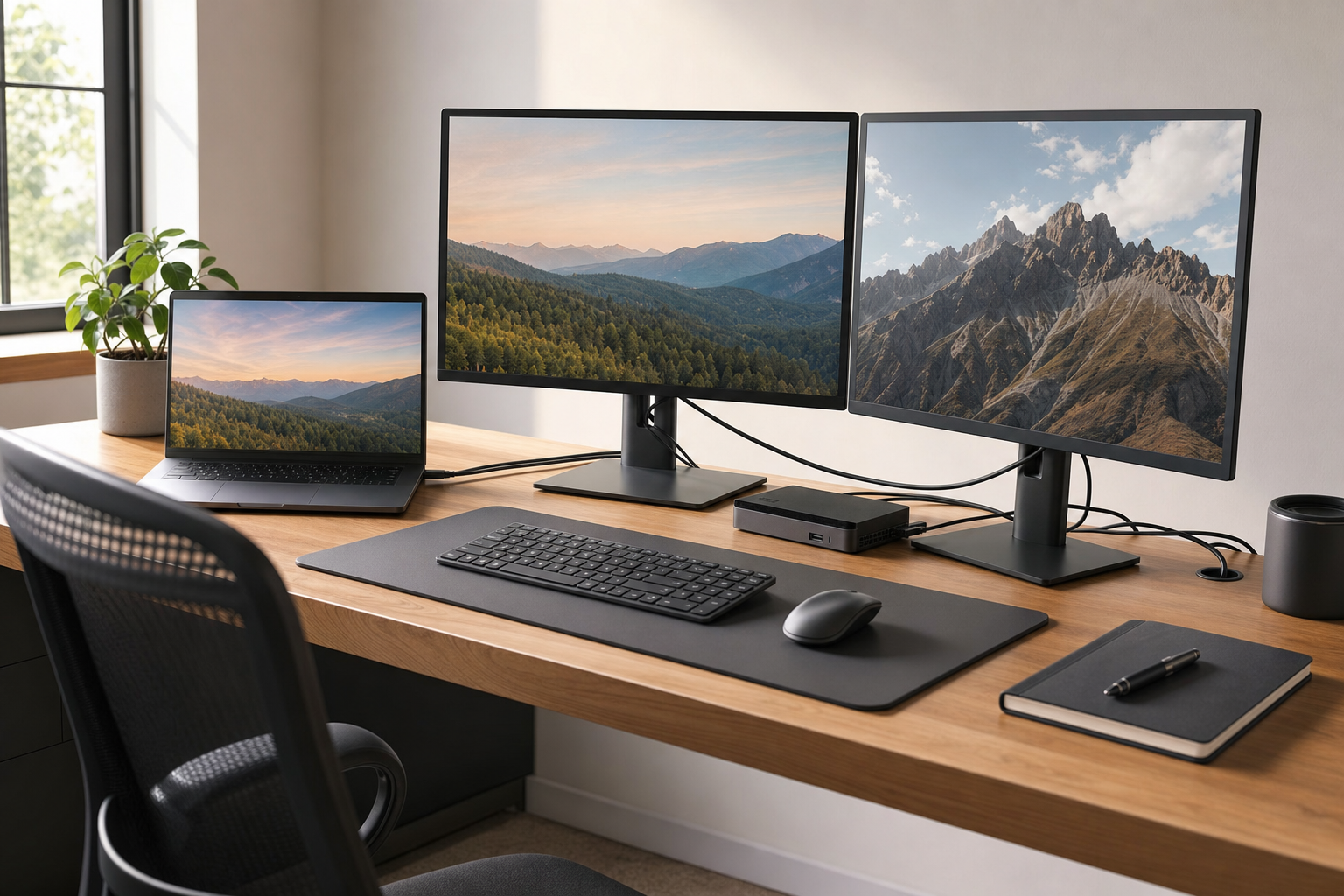
Used docking stations are one of the best low-cost upgrades for a home office in 2026, especially if you use an off-lease business laptop. The right dock can turn a single USB-C or Thunderbolt port into a desk setup with charging, Ethernet, audio, and multiple display outputs, but the wrong one can leave you with limited monitor support or no charging at all.
Quick Answer: Buy a used docking station that matches your laptop’s exact port standard, supports the number and resolution of displays you actually plan to run, and includes the correct power adapter or enough budget to replace it.
Key Takeaways
- USB-C docks vary widely in display support, charging wattage, and laptop compatibility.
- Thunderbolt docks usually offer better bandwidth and more reliable dual-display performance on supported business laptops.
- For used docks, an F3 — Key Functions Working (functional) grade is often perfectly reasonable if ports and charging have been tested.
- Cosmetic wear matters less on a desk accessory than on a laptop, so a C3 — Used Fair (cosmetic) dock can still be strong value.
- SERI (Sustainable Electronics Recycling International) defines the R2 standard used by audited electronics recyclers.
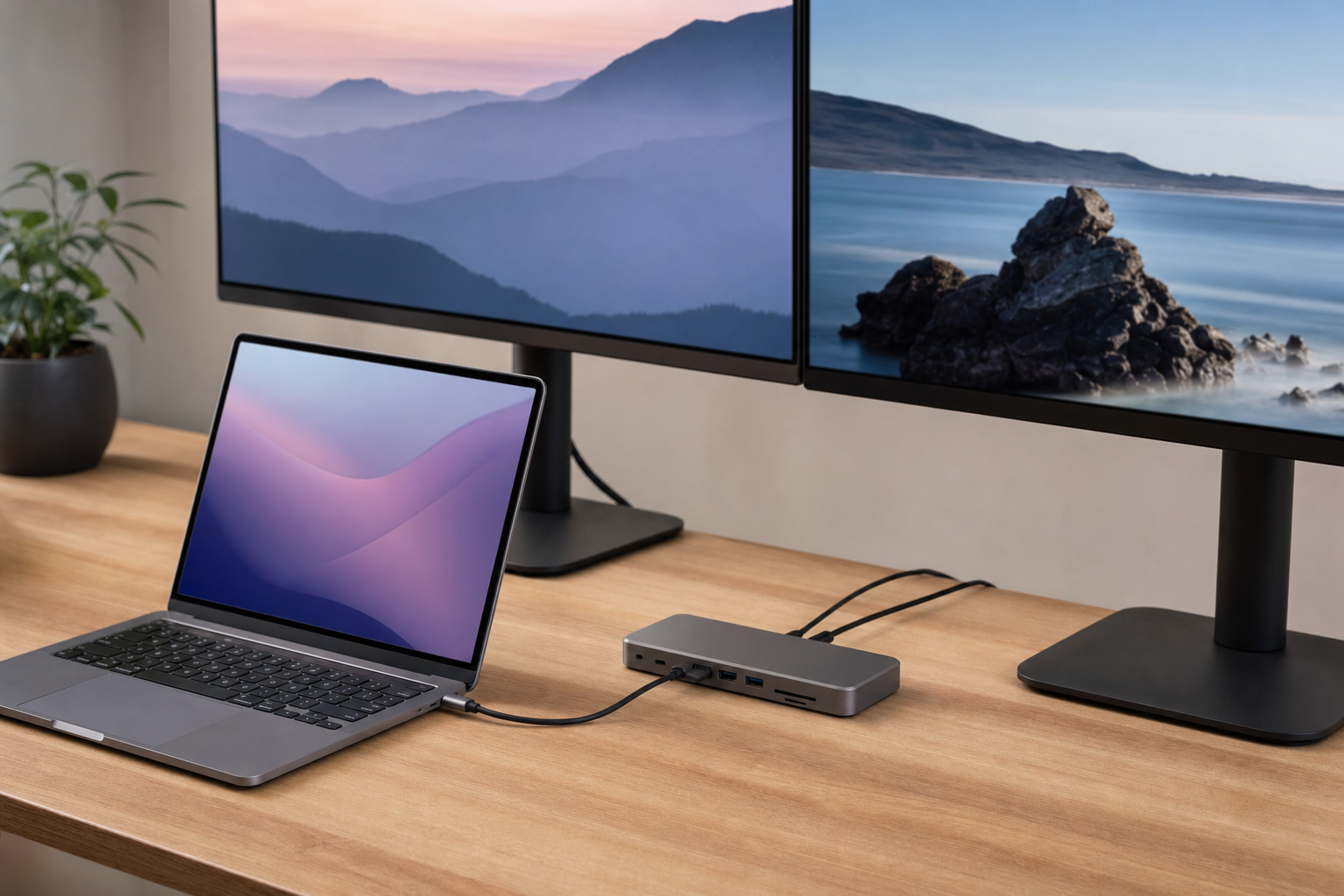
Why are used docking stations worth buying in 2026?
Docks are a classic overlooked accessory: expensive when bought new, plentiful after corporate refresh cycles, and usually built for years of desk duty. That makes them one of the easiest ways to stretch the value of a laptop from the Laptops & Notebooks category without paying new-retail accessory prices.
Business docks also age better than many consumer accessories because they were designed around standard office needs rather than short-lived trends. Gigabit Ethernet, DisplayPort, HDMI, USB-A for legacy peripherals, and power pass-through are still useful in 2026, even if the host laptop is several generations old.
That value case is stronger for buyers already shopping second-hand laptops. A machine like a 10th-gen Latitude often feels much more capable at a desk once paired with proper external displays and wired networking, which is why compatibility matters as much as the dock’s sticker price.
What is the difference between USB-C and Thunderbolt docks?
USB-C describes the connector shape, not the full feature set. A USB-C laptop may support basic USB data only, or it may support video output through DisplayPort Alt Mode, charging through USB Power Delivery, or higher-bandwidth features depending on the system.
Thunderbolt uses the same USB-C-shaped connector on most modern business laptops, but it adds much more bandwidth and stricter device capabilities. In practical terms, Thunderbolt docks are more likely to handle dual 4K displays, faster downstream devices, and fewer weird edge cases on supported machines.
The catch is simple: a Thunderbolt dock works best when the laptop itself supports Thunderbolt. If your system only has ordinary USB-C, a dock built around Thunderbolt may still offer partial functionality, but monitor outputs, charging behavior, or port access can be limited. That makes a listing like Lenovo ThinkPad Thunderbolt 3 Dock Only Type 40AC DBB9003L1 No Power Adapter$19.99 Lenovo ThinkPad Thunderbolt 3 Dock Only Type 40AC DBB9003L1 No Power AdapterView on eBay → interesting precisely because the low price reflects both the capability and the compatibility homework the buyer still needs to do.
How much dual-display support should you expect from a used docking station?
Dual-display support depends on three separate things: the dock, the laptop, and the operating mode between them. Buyers often assume the dock alone determines monitor capability, but the host system’s graphics pipeline and USB-C or Thunderbolt implementation can be the real bottleneck.
For home office use, the sweet spot is usually two 1080p or 1440p displays at standard refresh rates. That covers spreadsheets, browser-heavy workflows, remote work, and video calls without demanding the bandwidth headroom needed for high-refresh 4K panels.
Problems usually appear when shoppers expect one compact dock to drive multiple high-resolution displays from an older off-lease laptop. If you are pairing a dock with a business notebook from the Monitors & Projectors side of your setup in mind, verify the laptop model’s display output support first, then confirm the dock’s port layout and monitor combinations second.
What do power delivery limits mean for home office setups?
Power delivery, or PD, is the wattage a dock can send back to the laptop over USB-C or Thunderbolt. A dock that only supplies 60W may be fine for a thin ultrabook, but it can underpower a 15-inch workstation-class machine under sustained load, leading to battery drain even while plugged in.
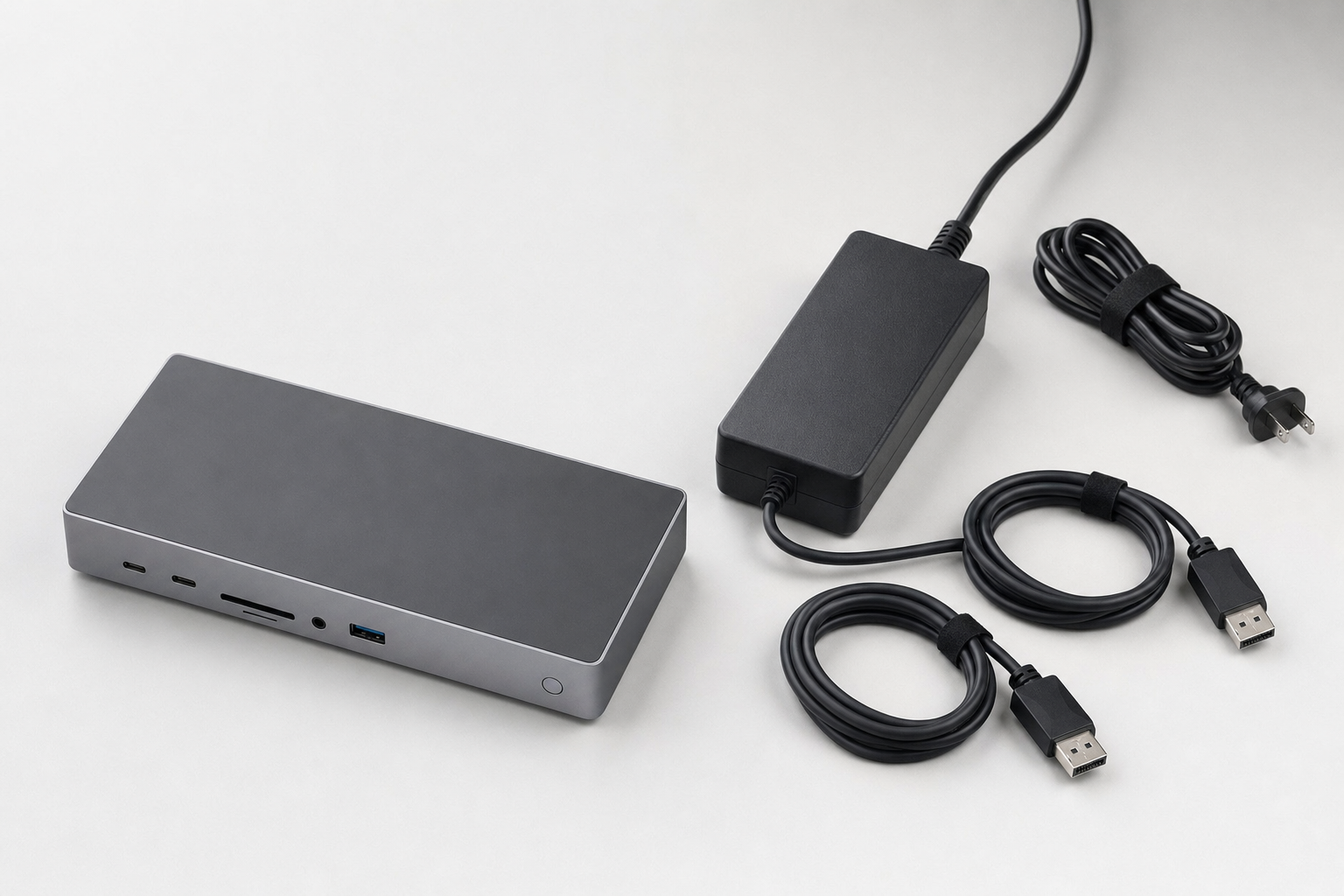
Used business docks are often separated from their original AC adapters during decommissioning, and that matters more than many buyers expect. The dock may technically work, but if the power brick is missing or replaced with an under-specced adapter, charging and display behavior can become inconsistent.
The listing details tell that story clearly in both directions. The dock-only Lenovo unit above is cheap because you still need the right power brick, while a separate Genuine Lenovo 170W 20V 8.5A Laptop Power Adapter Chargers w/ Power Cable F S/H!$17.99F3C3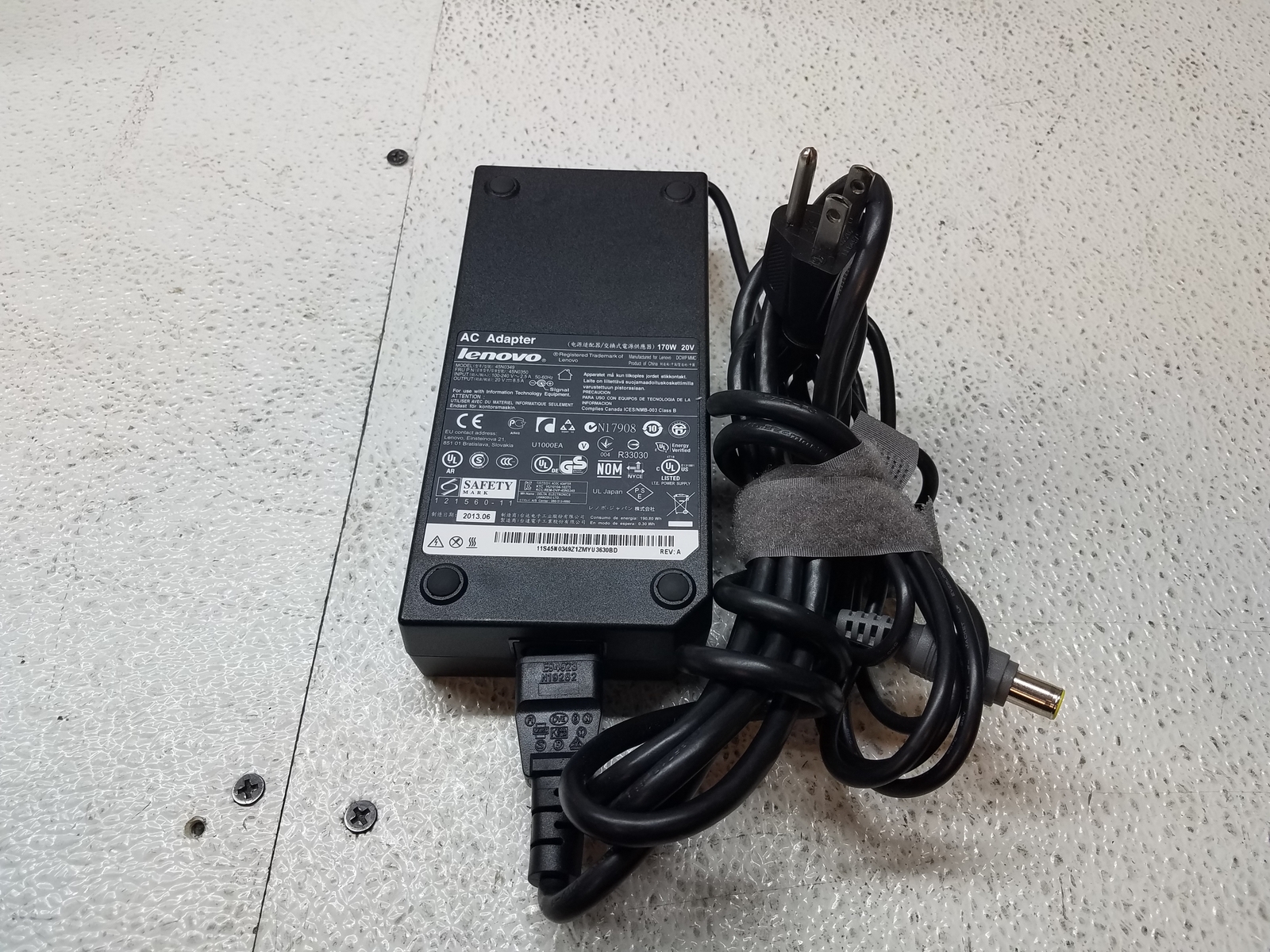 Genuine Lenovo 170W 20V 8.5A Laptop Power Adapter Chargers w/ Power Cable F S/H!View on eBay → shows how often enterprise accessories are sold piecemeal after office teardown; that is not a deal-breaker, but it should be part of your total cost.
Which used business laptops have the most docking compatibility pitfalls?
Common off-lease laptops from Dell, Lenovo, and HP are usually the easiest systems to pair with a dock because they were built for fleet deployment. Even so, the transition years around USB-C and Thunderbolt created plenty of confusion, especially for buyers moving between older mechanical docks and newer cable-based docks.
Dell Latitude systems are a good example. A 10th-gen machine may support USB-C docking well, while an 11th-gen model may give you better display flexibility or stronger Thunderbolt support depending on the exact configuration; that is why buyers comparing office notebooks should look at the laptop and dock as a pair, not as separate purchases. If you are already considering a business notebook such as the Dell Latitude 5410 14" Laptop i7 10th Gen 256GB SSD 8GB RAM Win 11 Pro (Z3E) B$269.95 Dell Latitude 5410 14" Laptop i7 10th Gen 256GB SSD 8GB RAM Win 11 Pro (Z3E) BView on eBay →, checking its docking support before checkout is smarter than assuming every USB-C port behaves the same.
Mac buyers face a different issue: physical USB-C compatibility does not guarantee full dock behavior, especially across Intel and Apple silicon generations. For a deeper look at laptop-specific checks, our guide on where to buy used electronics without guesswork pairs well with model-by-model verification before you add a dock to the cart.
What do F and C grades mean practically for used docking stations?
For docks, the functional grade usually matters more than the cosmetic grade. Under the SERI-backed R2 framework, SERI (Sustainable Electronics Recycling International) maintains the standard terminology, and you can read the broader framework on the R2 Standard Overview.
An F3 — Key Functions Working (functional) dock is often a solid buy because the essential job is straightforward: power on, connect reliably, and pass through its main ports. An F4 — Hardware Functional (functional) unit can offer extra confidence where available, while F5 — Refurbished (functional) is less common in this accessory category than many buyers assume.
Cosmetic grades are more forgiving on desk gear. A C4 — Used Good (cosmetic) or even C3 dock may have scratches from years of office use, but that wear rarely affects a device that spends most of its life tucked behind a monitor stand.
What should you realistically pay for used docking stations by grade tier?
Pricing trends indicate that basic USB-C mobile docks often land in the $25 to $50 range, while larger Thunderbolt docks can dip below that if they are missing a power adapter or sold as untested accessories. Complete kits with the original AC adapter usually command a modest premium because they remove the biggest compatibility headache.
For F3-graded units, the best values tend to be mainstream enterprise docks from the same brands as common office laptops. Cosmetic condition shifts price less dramatically than completeness does, which means a scuffed dock with the right power brick is often a better purchase than a cleaner-looking unit sold bare.
A compact example is the NEW SEALED Dell DA300 USB-C Mobile Docking Station ~ FREE SHIPPING$34.99F3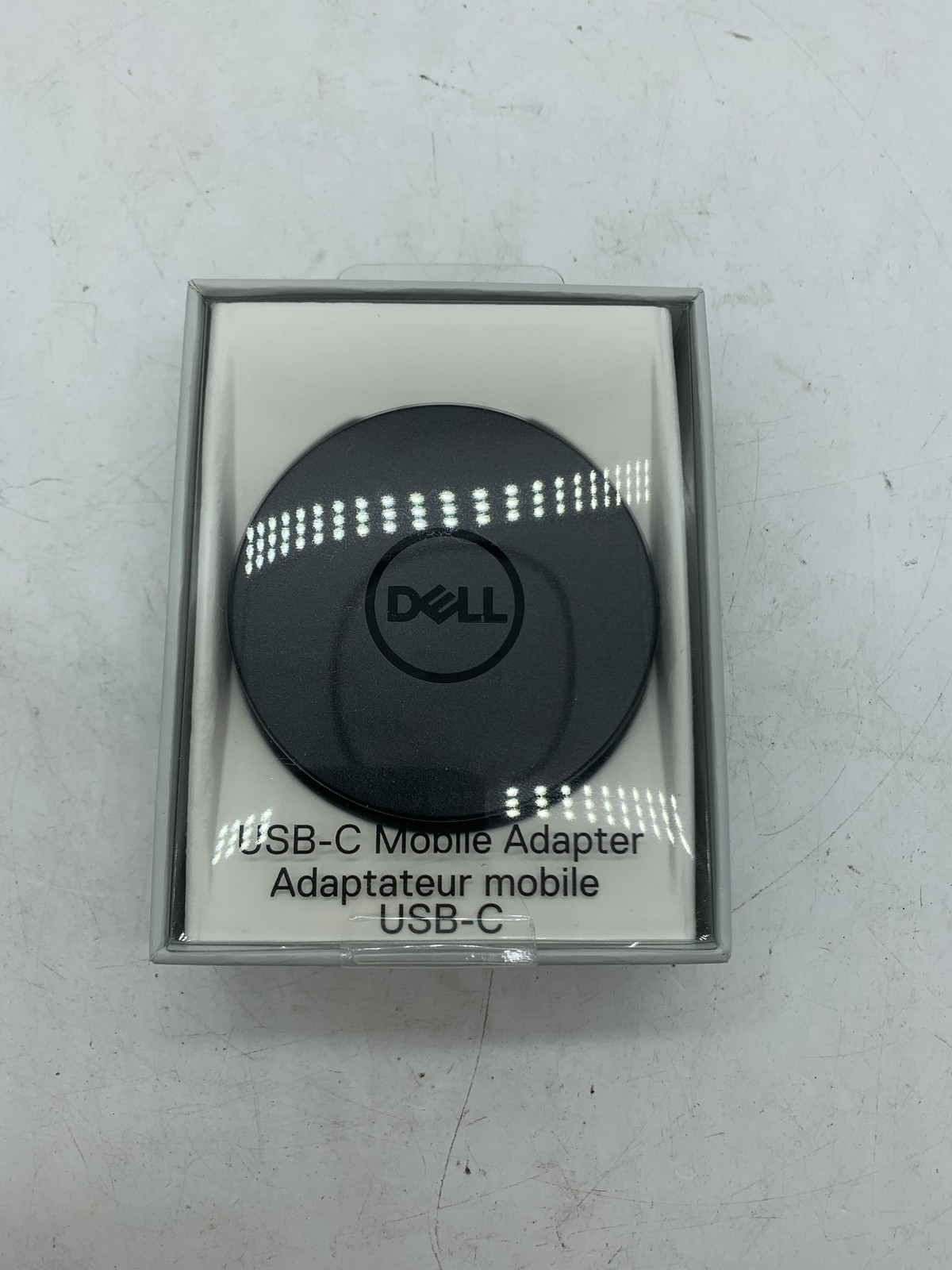 NEW SEALED Dell DA300 USB-C Mobile Docking Station ~ FREE SHIPPINGView on eBay → at $34.99. Mobile docks like the DA300 are popular because they suit hybrid workers and hot-desk setups, but they usually trade away some multi-display flexibility and charging muscle compared with full-size desk docks.
What should I look for?
Read a used docking station listing the way an IT buyer would. The right dock is not just “USB-C”; it is the right connector standard, the right wattage, the right outputs, and the right included accessories for your exact laptop.
- Exact dock model number: Brand families are not enough. A Lenovo Type 40AC and another Lenovo dock can behave very differently.
- Included power adapter: If the listing says “dock only,” price the replacement brick before deciding whether it is a bargain.
- Video outputs: Count the actual DisplayPort, HDMI, or USB-C video paths you need, not the ones you hope to adapt later.
- Power delivery wattage: Thin notebooks may be fine at 60W, while larger business laptops often prefer 90W or more.
- Host compatibility: Check whether your laptop supports USB-C DisplayPort Alt Mode or Thunderbolt, and which version.
- Cable condition: Attached host cables on older docks can fray or loosen after heavy office use.
- Port testing language: Favor listings that clearly indicate functional testing rather than generic surplus wording.
If you want a simpler shopping flow, start with your laptop model, then narrow by dock family, then compare completeness and grade. Buyers browsing Browse All Products, reviewing Understanding R2V3 Grades, and checking adjacent categories like Computer Components & Parts or Networking Equipment usually make better decisions than those who shop by price alone.
Which types of used docking stations offer the best value?
Full-size enterprise desk docks usually offer the strongest value for a fixed home office. They are less stylish than compact travel hubs, but they tend to include Ethernet, more USB ports, multiple display outputs, and higher charging capacity.
Compact mobile docks are best when portability matters more than expansion. They work well for a single external monitor, a conference room display, or occasional wired networking, but they are rarely the best answer for a permanent dual-monitor desk.
The sweet spot for many buyers is an off-lease dock designed for Dell Latitude, Lenovo ThinkPad, or HP EliteBook fleets. Those ecosystems were built for office standardization, which is exactly why so many pre-owned docks still make sense years later alongside used Desktop Computers, monitors, and business laptops.
How can you avoid the most common mistakes when buying a used dock?
The biggest mistake is buying on port shape alone. A USB-C plug that fits your laptop does not guarantee charging, dual displays, or full-speed peripheral support.
The second mistake is underestimating accessories. A missing power supply, proprietary host cable, or video adapter can erase the savings fast, and buyers sometimes discover that after the dock arrives.
The third mistake is ignoring the rest of the desk. If your setup also needs webcams, scanners, or wired networking, plan the dock around the whole workspace rather than one laptop port; that is often the difference between a tidy system and a daisy chain of compromises.

Frequently Asked Questions
Are used docking stations worth buying for a home office?
Yes, especially if you use a business laptop and want dual monitors, Ethernet, and one-cable desk setup convenience without paying new prices. Docks also tend to hold utility well because office connectivity needs change slowly.
Should I buy a USB-C dock or a Thunderbolt dock?
Buy the one your laptop explicitly supports. Thunderbolt usually offers better bandwidth and display flexibility, but a standard USB-C laptop may not unlock those advantages and can end up with partial functionality.
What functional grade is good enough for a used docking station?
For most buyers, F3 is good enough if the listing confirms the core functions were tested. A dock is a practical accessory, so proven operation matters more than chasing the highest possible grade.
How important is the cosmetic grade on a dock?
Less important than on a laptop or tablet. Cosmetic wear such as desk scuffs or sticker residue is common on office docks and usually has little impact on daily use.
Can a used dock charge any business laptop?
No. Charging depends on connector standard, firmware compatibility, and available wattage. Some laptops will connect for data and displays but still need their original charger for full power.
How do I know whether a used docking station will run two monitors?
Check the dock model, the laptop model, and the monitor resolutions together. Dual-display support depends on the entire chain, not just the number of video ports on the dock.
How does R2V3 relate to used accessory listings?
The grading and seller practices are part of a broader electronics reuse and recycling framework associated with SERI and the R2 standard. If you want more background on the standard itself, see What Is R2V3 Certification?.
Products Mentioned
Affiliate links — we may earn a commission if you buy through eBay.Lenovo
Lenovo ThinkPad Thunderbolt 3 Dock Only Type 40AC DBB9003L1 No Power Adapter
$19.99
Lenovo
Genuine Lenovo 170W 20V 8.5A Laptop Power Adapter Chargers w/ Power Cable F S/H!
$17.99
Dell
NEW SEALED Dell DA300 USB-C Mobile Docking Station ~ FREE SHIPPING
$34.99
Dell
Dell Latitude 5410 14" Laptop i7 10th Gen 256GB SSD 8GB RAM Win 11 Pro (Z3E) B
$269.95
Sponsored
Stay updated on R2V3 deals
Weekly deals from R2V3 certified recyclers in your inbox.