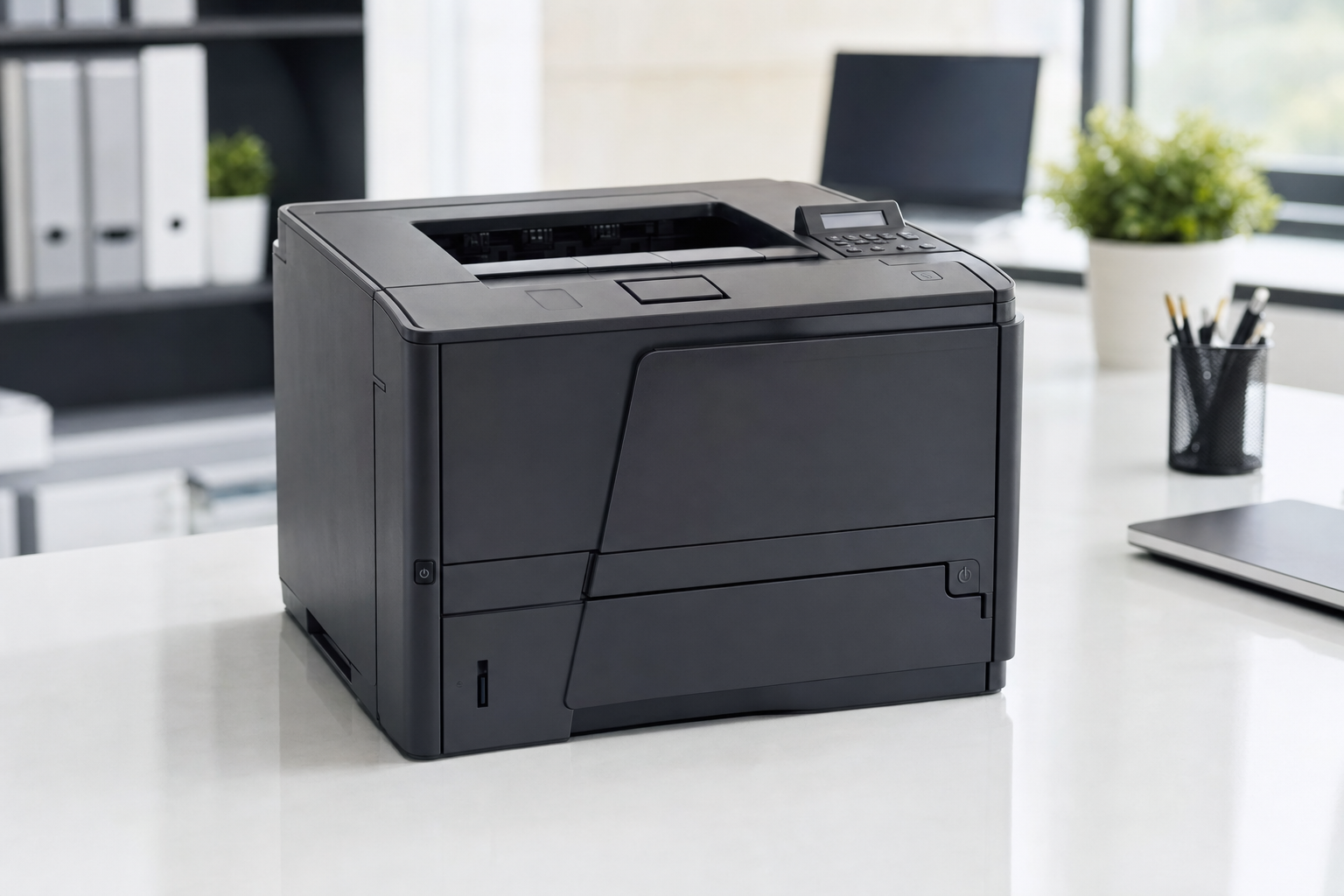
HP P3015 Buyer’s Guide: Which Model to Buy and What to Check
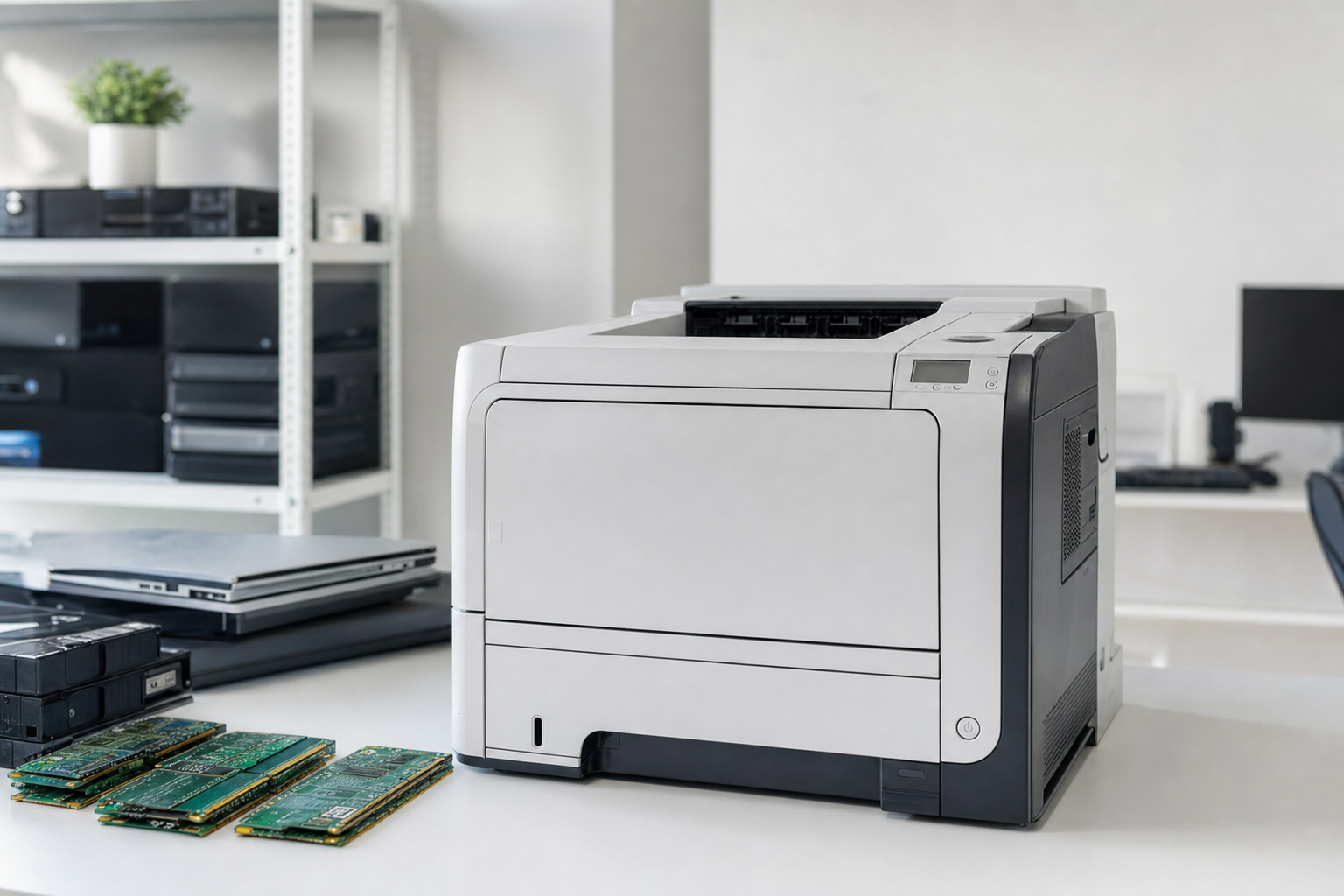
The hp p3015 is still worth buying if you want a fast, business-class monochrome laser printer and you understand which version you are getting. For most buyers, the sweet spot is a used P3015n, P3015dn, or P3015x with clear testing notes, known page count, and proof that paper handling works beyond a single demo page.
Quick Answer: The HP P3015 is a durable LaserJet Enterprise workgroup printer that still makes sense on the used market for high-volume black-and-white printing, but the best buy depends on whether you need networking, duplexing, and extra paper capacity.
Key Takeaways
- The HP P3015 family includes several variants with different networking, duplexing, and tray configurations.
- Mechanical condition matters more than light exterior wear on an older enterprise laser printer.
- Recurring HP P3015 trouble spots usually involve the fuser path, rollers, jam sensors, and print-quality issues.
- HP 55A toner compatibility is one reason the P3015 remains viable in the used market.
- SERI publishes the R2v3 standard used by certified recycling facilities handling electronics for reuse and resale.
What Is the HP P3015 and Why Are People Still Searching for It?
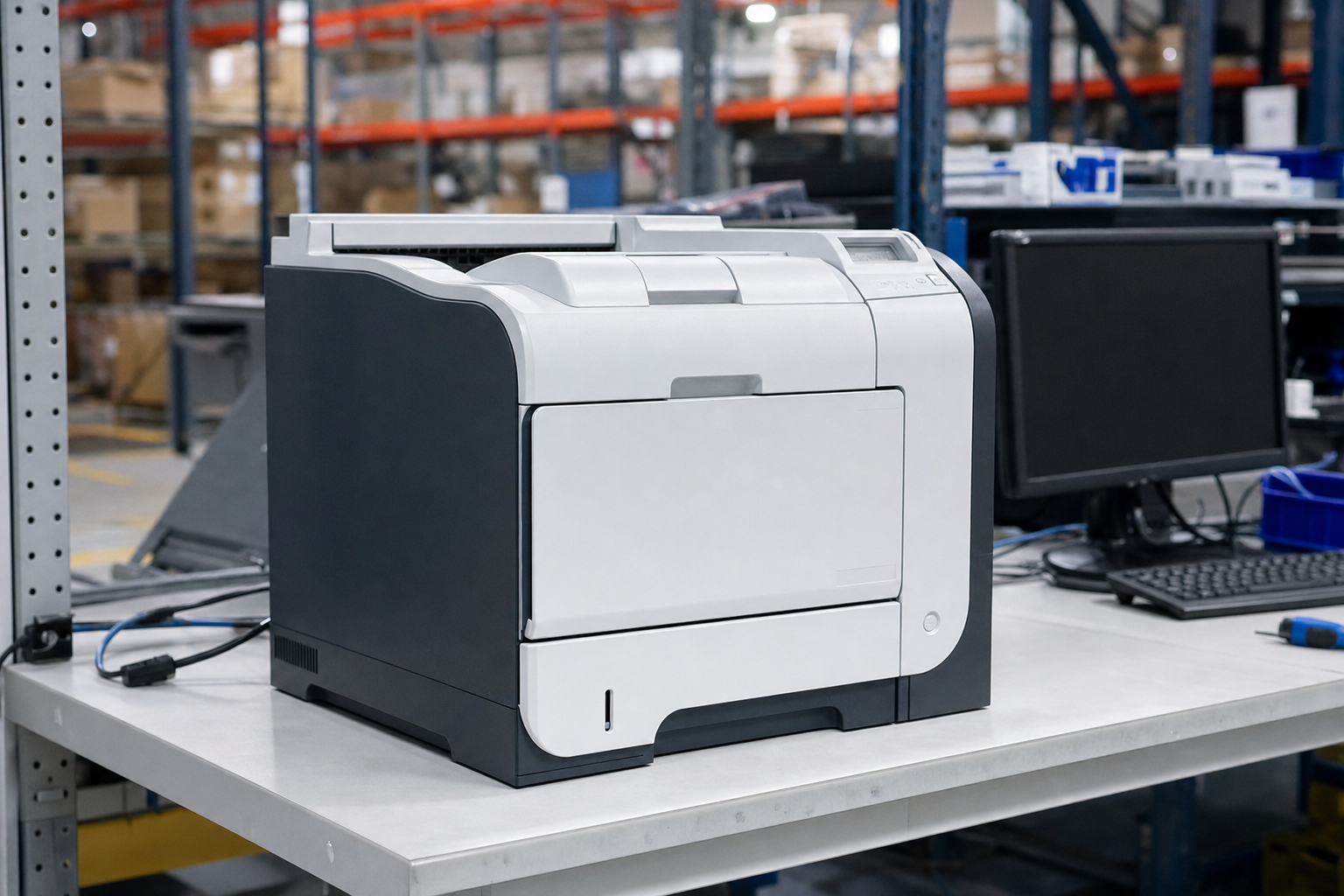
HP positioned the P3015 series as part of its LaserJet Enterprise line, aimed at small business and workgroup printing rather than casual home use. That matters because people searching “hp p3015” usually are not looking for a trendy bargain printer; they want a serious mono laser with a reputation for speed, capacity, and repairability.
Search intent around this model is broad. Some buyers want a replacement for the exact unit already sitting in an office, while others are comparing older enterprise printers with newer light-duty models that look cheaper upfront but give up tray capacity and heavier-duty paper handling.
That is why the P3015 still sits comfortably in the same buying conversation as other older office hardware found in Printers & Scanners and even adjacent Servers & Enterprise gear: it was built for work, not occasional homework printouts.
Which HP P3015 Model Should You Buy?
The first thing to know is that “HP P3015” often refers to the whole family, not one exact SKU. According to HP’s product comparison page, the series included the base P3015, P3015d, P3015n, P3015dn, and P3015x, with differences centered on duplexing, Ethernet networking, and paper capacity in HP’s official comparison material.
Here is the practical version. The P3015d adds automatic duplex printing, the P3015n adds networking, the P3015dn combines both, and the P3015x adds another 500-sheet tray on top of duplex and networking. If you are shopping for a shared office printer, the dn and x variants usually make the most sense because they skip the add-on compromises.
That makes page count and configuration more important than the headline model name alone. A lower-mileage tested unit like the HP LaserJet P3015 Workgroup Laser Printer 57K Page count with toner Included$99.99Functional grade F3Cosmetic grade C4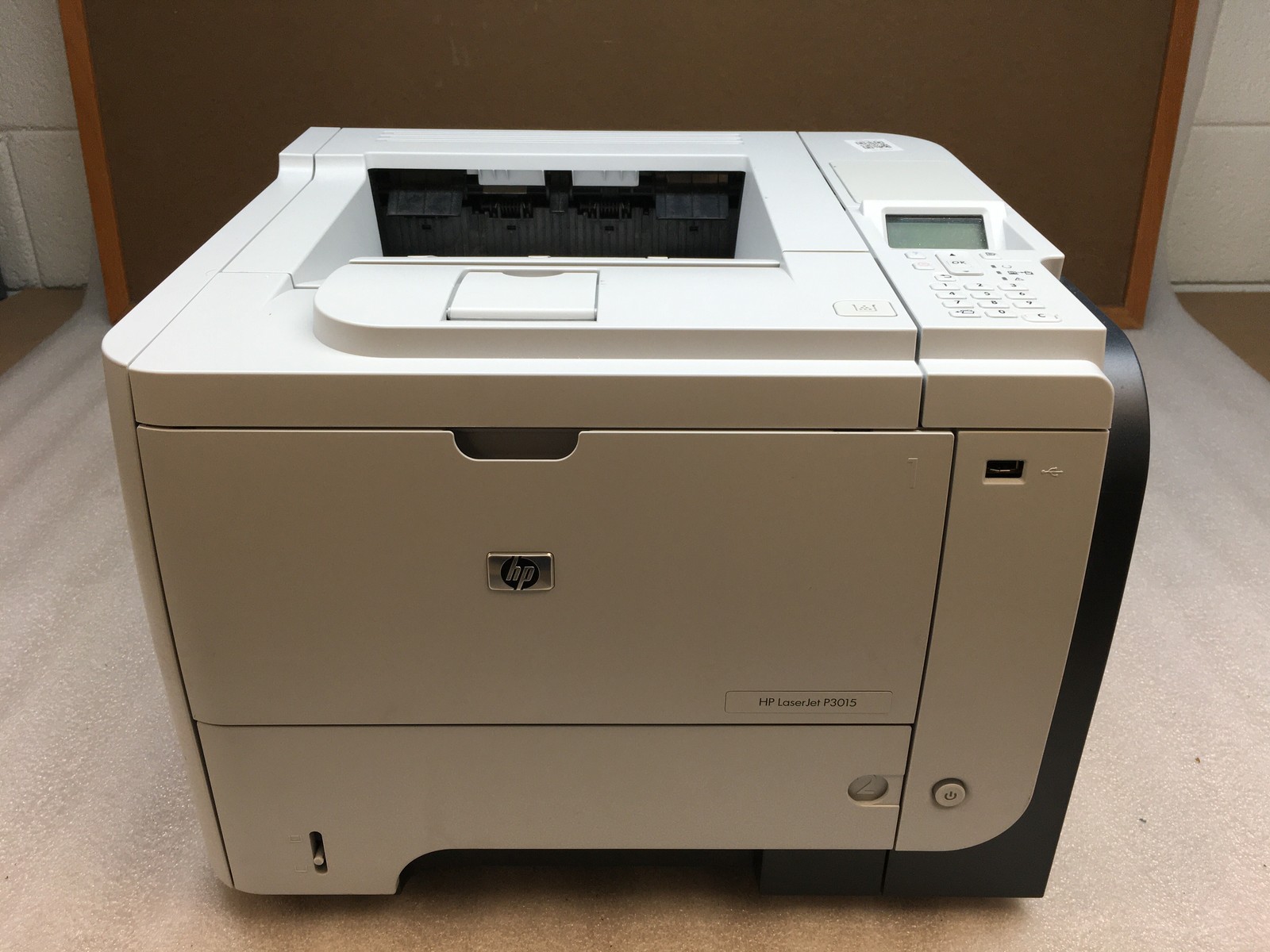 F3 — Tested · C4 — Good ConditionView on eBay →Affiliate link · we may earn a commission. stands out because 57,000 pages is modest for a machine designed for heavier office service, assuming the seller’s testing matches the real paper path behavior.
How Does the HP P3015 Compare to Newer Cheap Mono Lasers?
The P3015 remains appealing for one simple reason: it came from an era when many workgroup printers were overbuilt by current standards. You get a larger physical footprint and older interface design, but you also get stronger paper handling, sturdier mechanics, and a printer originally intended for repeated daily use.
That does not mean every old P3015 beats every newer printer. A lightweight modern mono laser may be quieter, smaller, and easier to place on a shelf, but it often gives up the tray capacity, duty-cycle confidence, and field-service mindset that made enterprise LaserJets famous.
For buyers comparing categories, this is the same logic that keeps older business hardware attractive across Desktop Computers and Networking Equipment: previously deployed office gear can outperform cheap consumer hardware when your workload matches its original purpose.
What Should You Check Before Buying a Used HP P3015?
On a used P3015, mechanical honesty matters more than cosmetics. A printer with scratches but clean output and healthy paper handling is usually a better buy than a prettier unit with hidden fuser wear or duplex-path problems.
Use this checklist before buying:
- Confirm the exact suffix: base, d, n, dn, or x.
- Check page count and ask whether that count is shown in a configuration report.
- Verify whether Ethernet and automatic duplexing are actually present.
- Ask whether multi-page printing was tested, not just a single status sheet.
- Ask whether duplex printing was tested on a duplex-capable model.
- Look for notes on fuser condition, rollers, and maintenance history.
- Check whether toner is included and whether print samples show clean output.
If you are filtering by condition, understanding Understanding R2V3 Grades helps. An F3 — Key Functions Working (functional) printer has passed key functional checks, while cosmetics such as C4 — Used Good (cosmetic) tell you far less about how well the machine will behave during a 30-page print run.
What Are the Most Common HP P3015 Problems?
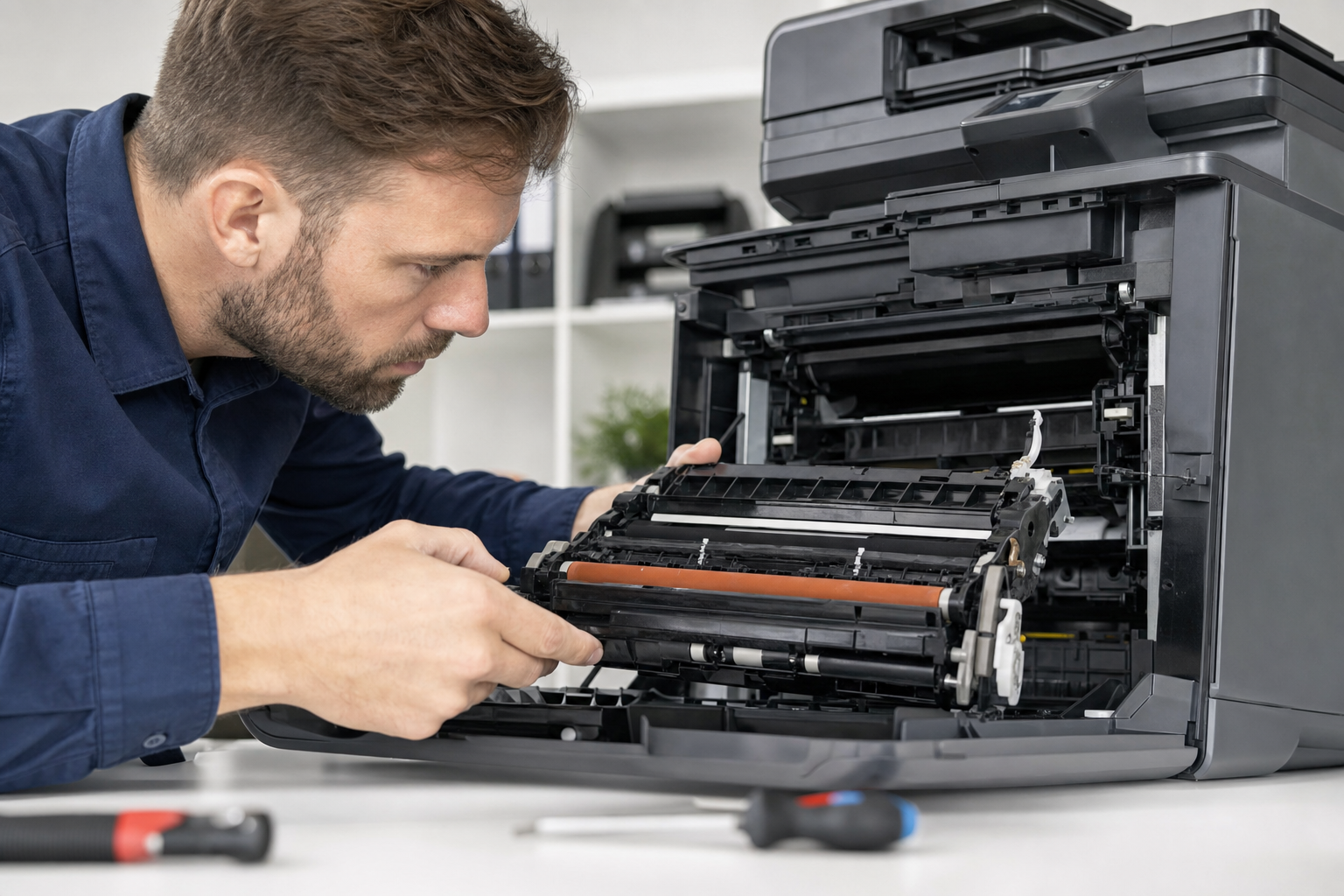
The hp p3015 has a good reputation, but it is old enough that recurring faults are well known. The usual trouble spots are paper jams near the fuser, false jam messages, worn rollers, smudging, repeating marks, and fuser-related failures that appear only after the printer warms up or runs a longer job.
One useful HP support thread describes a “paper jam” message with no paper actually present, with contributors tracing the fault to a broken flag sensor inside the fuser assembly in HP’s community discussion. That is a classic example of why a printer can look fine at first glance but still be a bad buy.
LaserPros also documents a recurring P3005/P3015 family issue involving jamming at the fuser because of a dirty or faulty pendulum assembly in the gear train in its service note. It is the kind of fault that can hide during a quick test page and show up only on simplex runs or the second pass of duplex jobs.
What Does a 50.x Error Mean on an HP P3015?
A 50.x error generally points to a fuser problem. The fuser is the heated assembly that bonds toner to paper, and when it fails, the printer may stop with an error, jam unexpectedly, or produce output that looks underfused, smeared, or inconsistent.
Third-party service references for the LaserJet P3015 family tie 50.x errors to fuser faults, connectors, or the fuser unit itself, which aligns with HP’s broader guidance on 50.xx messages across LaserJet models in service code documentation. If a seller cannot say whether the machine has been tested under load, you should assume fuser condition is still an open question.
That is why a higher-page-count office pull is not automatically a bad idea if testing is better and condition notes are clearer. A listing such as the HP Laserjet P3015 Monochrome Workgroup Printer CE527A 133K Pgs w/ Toner$52.99Functional grade F3Cosmetic grade C4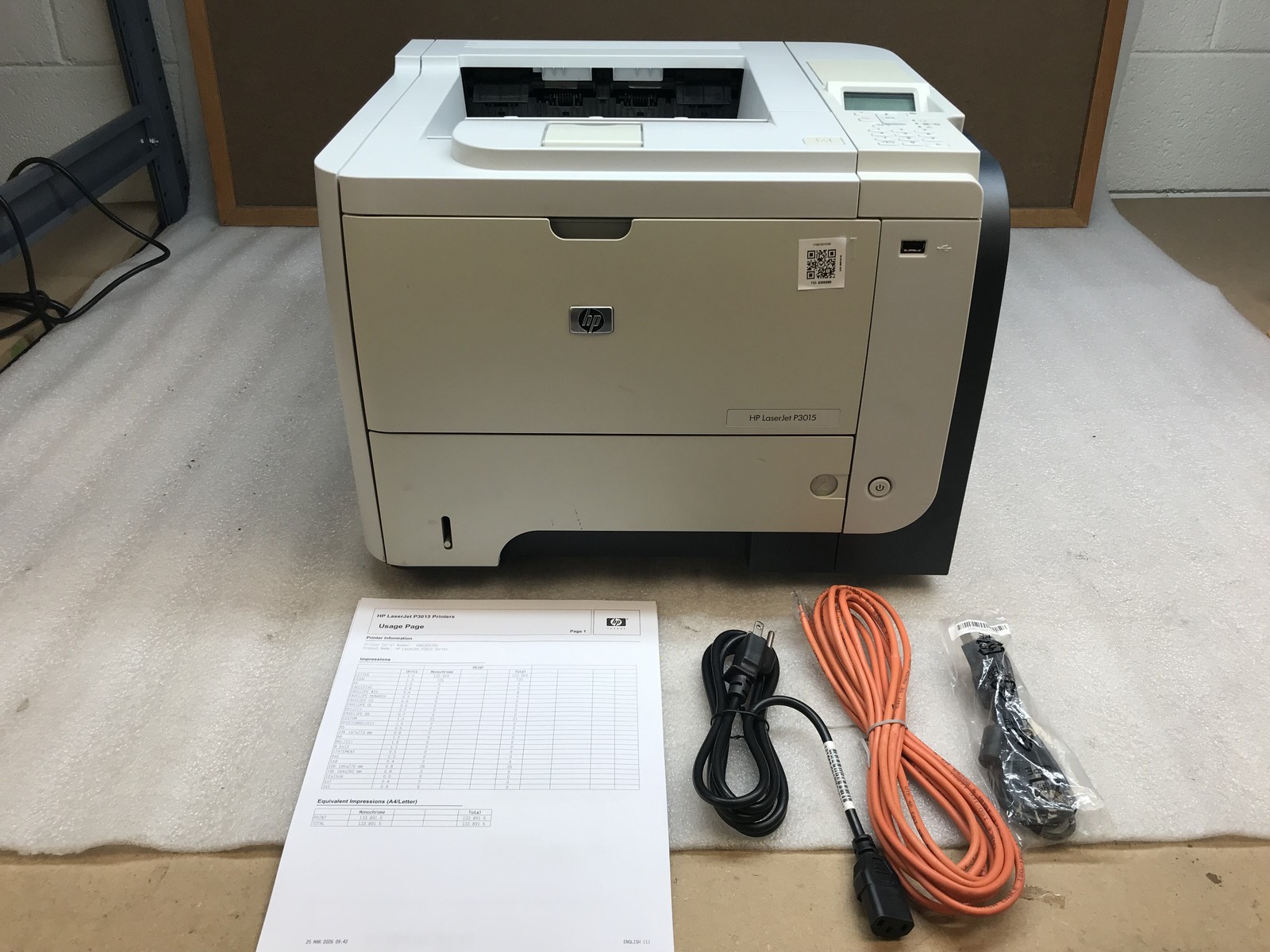 F3 — Tested · C4 — Good ConditionView on eBay →Affiliate link · we may earn a commission. is a reminder that even six-figure page counts can be reasonable on this class of printer if the wear items and output quality have been checked honestly.
How Expensive Is HP P3015 Toner and Maintenance?
Consumables are a big part of why the P3015 still has a following. HP’s page-yield resource confirms that the model uses the HP 55A cartridge family on HP’s yield page, and that continuing toner availability keeps ownership practical long after the printer’s launch era.
Real-world buyer sentiment often comes down to whether you insist on genuine HP toner or are comfortable with compatible cartridges. Pricing trends suggest genuine supplies can feel expensive relative to the printer’s current market value, while aftermarket toner is one reason buyers still tolerate an older mono laser that would otherwise be too costly to feed.
Maintenance parts are also still part of the story. Supply listings for the CB388A maintenance kit cite a 200,000-page maximum yield at 5% average coverage, which is a helpful planning reference even if compatibility should always be confirmed per listing through maintenance-kit documentation.
Is the HP P3015 Still a Good Buy in 2026?
Yes, for the right user. The P3015 still makes sense if you need inexpensive black-and-white output, office-grade paper handling, and a platform with abundant third-party parts. It makes less sense if you want compact size, modern cloud-printing features, or the quietest desktop experience.
The best buyer profile is pretty specific: back office, shipping paperwork, forms, invoices, warehouse documents, church bulletins, legal drafts, or any workflow where a monochrome workhorse earns its keep. If that sounds familiar, an older enterprise laser can be a smarter purchase than a flimsy new printer with starter toner and tiny trays.
There is also a broader circular-economy case for keeping equipment like this in service longer. The EPA notes that electronics reuse and recycling conserve natural resources and reduce pollution in its electronics recycling guidance, and the bigger waste picture is why extending device life keeps coming up in our own coverage, including E-Waste Facts 2026: How Much Tech Gets Thrown Away?.
What Do R2V3 Grades and Seller Standards Mean for a Used Printer?
SERI, short for Sustainable Electronics Recycling International, publishes the R2v3 standard used by certified recycling facilities handling electronics for reuse and recycling through the official R2 program. For buyers, the practical value is better process discipline around intake, testing, and resale than you often get from random surplus listings.
On this platform, functional and cosmetic grades help you separate “works” from “looks nice.” For printers, an F4 — Hardware Functional (functional) unit generally deserves extra attention because it signals broader hardware functionality, while cosmetic grades like C3 — Used Fair (cosmetic) or C4 mostly tell you how much visible wear to expect.
If you want to compare across the broader market rather than one model, start in Browse All Products or drill into the larger Printers & Scanners category. That context matters because sometimes a nearby alternative such as the HP LaserJet 600 M601 Monochrome Workgroup Laser CE989A Printer 120K Page Count$62.99Functional grade F3Cosmetic grade C3 F3 — Tested · C3 — Fair ConditionView on eBay →Affiliate link · we may earn a commission. gives you a newer generation of enterprise mono printing for roughly the same money.
Frequently Asked Questions
Is the HP P3015 a good printer for home use?
Only if your home needs look a lot like a small office. It is large, heavy, and built for black-and-white document volume, so it fits best in home offices, workshops, and paperwork-heavy environments rather than casual family printing.
Which HP P3015 model is best?
For most buyers, the P3015dn is the safest target because it combines networking and automatic duplexing. The P3015x is better if you want more paper capacity from the start, while the base model is harder to recommend unless price is the main priority.
What toner does the HP P3015 use?
The P3015 uses the HP 55A cartridge family. Toner availability is one of the reasons this printer still holds value on the second-hand market.
What are the most common HP P3015 failures?
The most common complaints involve fuser wear, jam errors, rollers, duplex-path issues, and print-quality defects such as smudging or repeating marks. Those are the areas a seller should have tested and disclosed.
Should I buy a higher-page-count HP P3015 if it is cheaper?
Maybe, but only if testing is thorough. A higher page count is less concerning on an enterprise printer than missing information about fuser condition, duplex testing, or whether the printer can run multi-page jobs cleanly.
Does an R2v3-certified seller make a difference when buying a used printer?
It can. Sellers operating from R2v3-certified facilities follow a recognized standard from SERI for electronics handling and reuse processes, which is a stronger trust signal than an anonymous surplus listing with minimal condition details.
Is the HP P3015 better than a cheap new laser printer?
For heavier monochrome document workloads, often yes. For compact size, newer wireless features, and quieter everyday use, probably not. The right answer depends on whether you need a workgroup printer or a casual desktop one.
Products Mentioned
Affiliate links — we may earn a commission if you buy through eBay.Sponsored
Stay updated on R2V3 deals
Weekly deals from R2V3 certified recyclers in your inbox.