
Used Apple MacBook Pro Buyer’s Guide: What to Check Before Buying From an R2V3-Certified Recycler
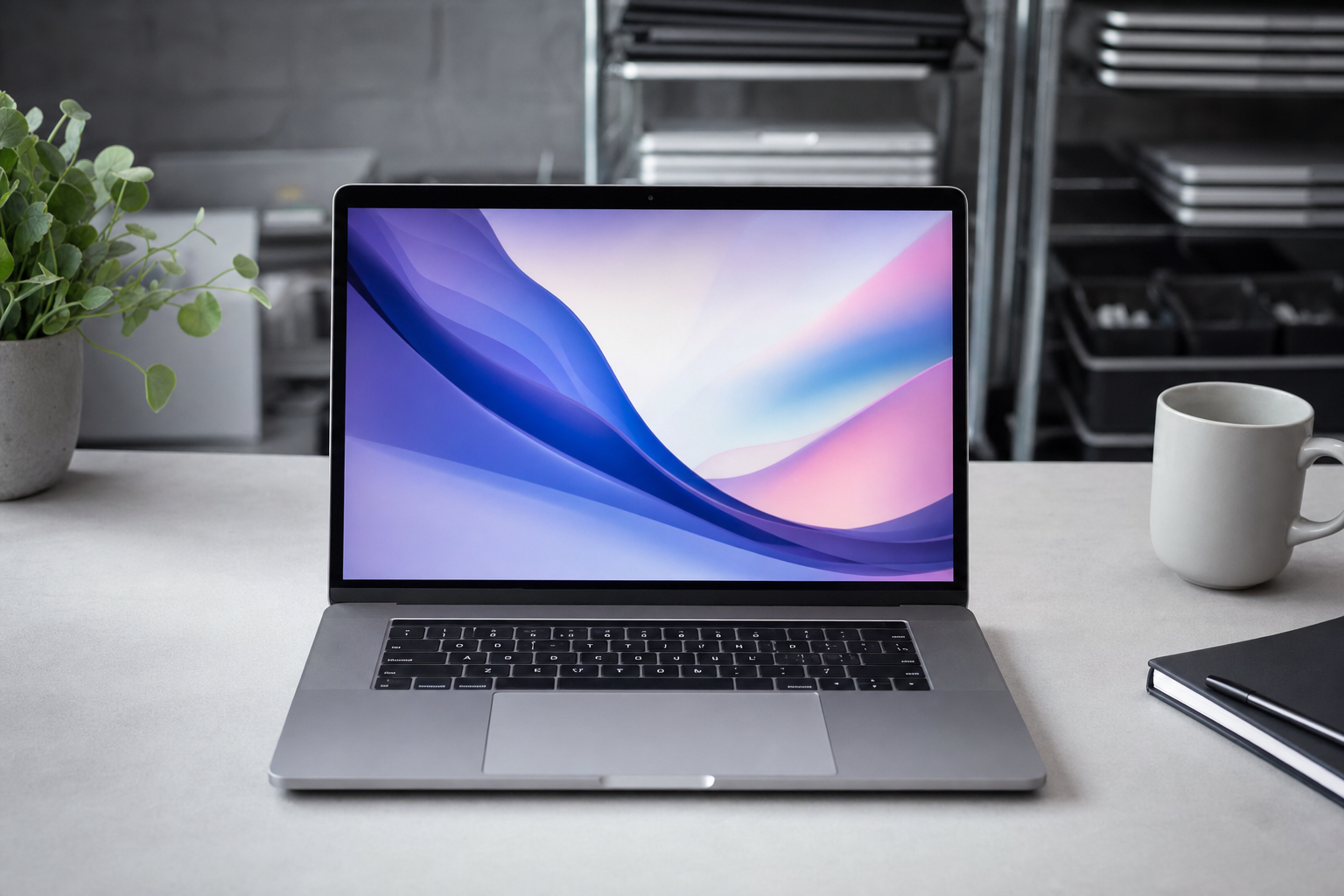
A used Apple MacBook Pro is often a smart buy if you want premium build quality, strong everyday performance, and a lower price than a new machine. The key is to compare the exact model, battery health, condition details, and seller disclosures before you commit.
Quick Answer: Buy a used Apple MacBook Pro by checking the exact model year, processor generation, RAM, storage, battery health, display condition, activation status, and return terms, and give extra weight to listings from an R2V3-certified electronics recycler with clear testing notes.
Key Takeaways
- Apple laptops tend to hold value because their build quality, display quality, and software support stay relevant for years.
- The MacBook Pro 2021 A2485 with Apple’s M1 Pro chip is still a practical choice for school, office work, coding, and many creative tasks.
- Battery condition can change the real-world experience more than a small difference in storage or cosmetic wear.
- SERI’s R2V3 standard is a meaningful trust signal for sellers handling reuse, data protection, and end-of-life processing.
- A lower asking price is only a better deal when testing, lock status, and return options are clearly disclosed.
Why are used Apple laptops so popular?
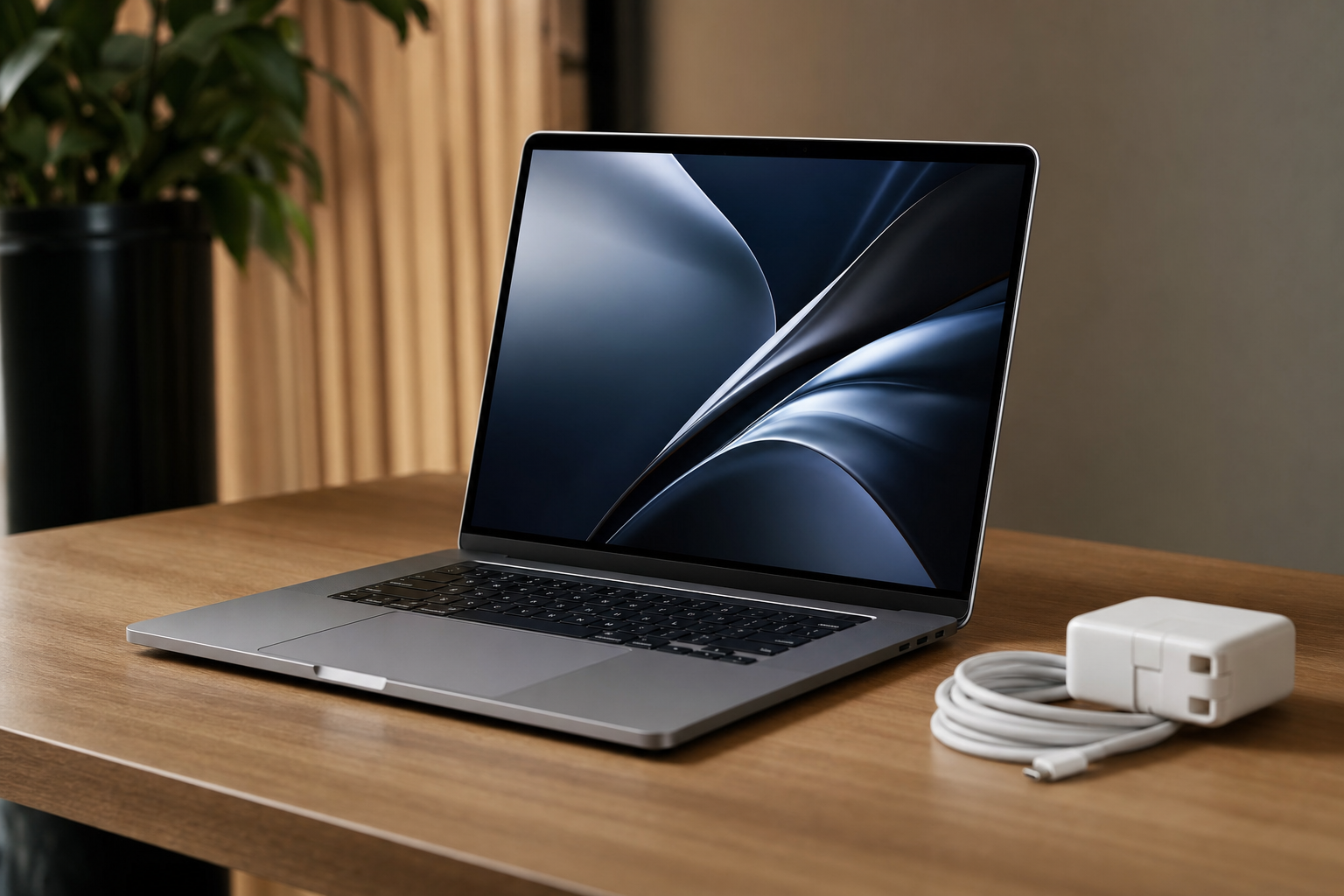
Apple notebooks stay in demand because the hardware usually ages well. Aluminum chassis, strong trackpads, bright displays, and efficient processors help even older MacBook Pro systems feel more current than many budget laptops built in the same year.
Software support is another big reason. Apple generally supports Macs for years, and that matters for security updates, app compatibility, and resale value when you decide to move on to something newer.
MacBook resale pricing also reflects a simple market truth: buyers trust the platform. Anyone browsing Laptops & Notebooks can see that premium business systems and Apple portables tend to command more than disposable consumer laptops because they were built to survive heavier use in the first place.
What makes the MacBook Pro 2021 A2485 a strong used buy?
The 16-inch MacBook Pro 2021 A2485 sits in a sweet spot for buyers who want modern Apple silicon without paying current flagship prices. Its M1 Pro chip was the moment Apple’s pro laptop line stopped feeling like a compromise and started competing aggressively on battery life, heat, and sustained performance.
For practical workloads, 16GB of memory is a strong baseline. That amount gives you room for dozens of browser tabs, office apps, video calls, photo editing, light-to-moderate video work, and coding projects without immediately feeling squeezed.
Storage matters too, but not in the same way. A 500GB SSD is enough for many students and office users, though anyone working with large RAW photo libraries, Xcode projects, or video footage should plan on external storage from day one; the current Apple MacBook Pro 2021 A2442 13.3" Laptop M1 500GB SSD 16GB RAM macOS 13 (CX) C$879.95 Apple MacBook Pro 2021 A2442 13.3" Laptop M1 500GB SSD 16GB RAM macOS 13 (CX) CView on eBay → priced at $879.95 is a good example of a configuration that still fits a wide range of school, office, and creative workloads without pushing into more machine than most buyers need.
What specs should you evaluate before you buy used Apple laptop hardware?
Start with the processor generation. An M1 Pro MacBook Pro used today will generally feel faster, cooler, and quieter than many Intel-era MacBook Pro models, especially under creative workloads or long sessions with multiple apps open.
Then check the memory and storage together, not separately. RAM affects how comfortably the machine handles active tasks, while storage affects how much you can keep locally; if your work lives in Adobe apps, Logic, Final Cut, or virtual machines, 16GB RAM is far more reassuring than 8GB.
Display size and screen condition deserve close attention because laptop screens are expensive to replace. On a 16-inch MacBook Pro, inspect the listing for dead pixels, pressure marks, delamination, edge discoloration, keyboard shine on the panel, and whether the brightness appears even across the display.
Ports can also decide whether a setup is convenient or frustrating to live with. If your workflow depends on external displays, card readers, or a desk dock, compare the MacBook’s port selection with your accessories, because a cheaper machine can stop looking like a bargain once you start adding extras such as Anker A8397 Silver PowerExpand Elite 12 In 1 Thunderbolt 4 Dock - NO AC- FREE SH$69.99F3C4 Anker A8397 Silver PowerExpand Elite 12 In 1 Thunderbolt 4 Dock - NO AC- FREE SHView on eBay →, and this listing is also a good reminder to confirm what is included, since it is missing the AC adapter.
How important are battery health and cycle count on a used MacBook Pro?
Battery health is one of the biggest swing factors in used Mac value. A clean machine with a tired battery can feel worse in daily use than a slightly scuffed one that still holds a strong charge, especially if you plan to use it for classes, travel, or meetings away from a wall outlet.
Ask for both the battery health percentage and the cycle count if they are not listed. Apple rates modern Mac batteries for long service lives, but age, heat, and charging habits still matter, and a listing that discloses battery details usually signals a seller that understands what buyers actually need to know.
Watch for vague phrases like “battery holds charge” with no numbers attached. That wording is better than silence, but not as useful as an actual screenshot or tested reading.
What condition questions should you ask before buying?
Cosmetic wear is the obvious starting point: scratches, dents, worn palm rests, polished keycaps, screen coating wear, and chipped corners. On a MacBook Pro, those details affect both appearance and long-term value because Apple laptops are often purchased as much for their fit and finish as their raw performance.
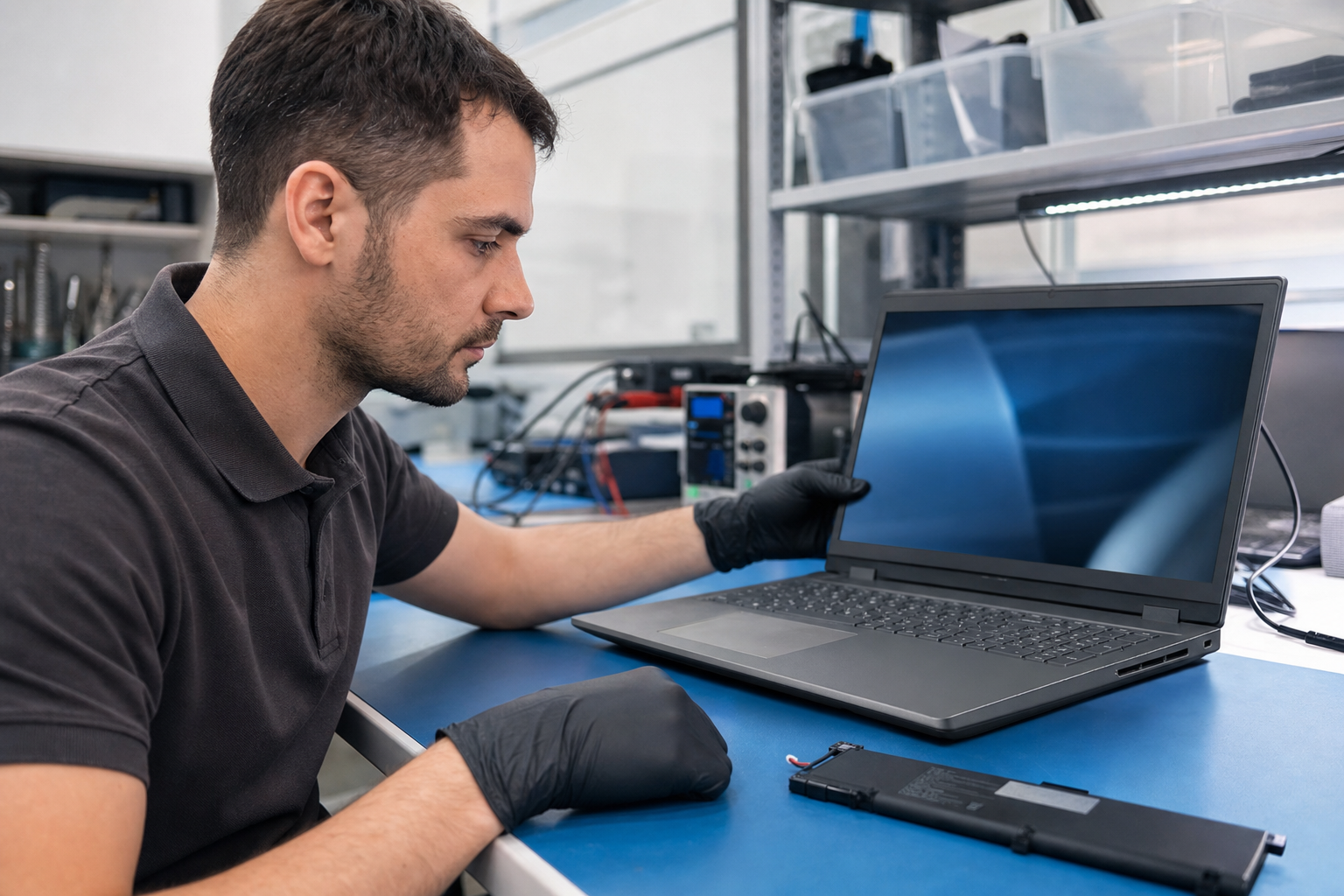
Functional testing matters more. Ask whether the keyboard, trackpad, speakers, webcam, microphones, ports, Wi-Fi, Bluetooth, Touch ID if applicable, and charging system were checked, and look for sellers who disclose a clear grade if one is provided, such as F4 — Hardware Functional or F5 — Refurbished under the SERI standard.
You should also confirm the Mac is activation-unlocked and ready for a new owner. A proper listing should make it clear that prior user data has been removed, the serial has been verified, and the device is not tied to a previous Apple ID or enterprise management profile.
Return policy matters because some flaws only reveal themselves after a few days of real use. A machine that boots and passes a quick test can still have intermittent speaker crackle, a flaky USB-C port, or a battery that drains unusually fast under load.
Why does buying from an R2V3-certified electronics recycler add trust?
Buying from a seller operating at an R2V3-certified facility adds confidence because the device has moved through a documented reuse and recycling process rather than a mystery supply chain. The R2 standard is maintained by SERI (Sustainable Electronics Recycling International), and the organization’s R2 Standard overview lays out requirements around environmental, health, safety, and operational controls.
For laptop buyers, that matters in practical ways. Documented device handling, attention to data protection, and responsible downstream recycling reduce the risk that you are buying from a seller who cut corners on testing or erased drives casually instead of following recognized processes such as those described by NIST SP 800-88 media sanitization guidance.
There is also a sustainability case that goes beyond buzzwords. Extending the useful life of a capable laptop is one of the simplest ways to reduce the footprint of electronics ownership, and we explored that broader impact in World Environment Day: Why Buying Used Tech Lowers Emissions.
How should you compare price and value on a used Apple MacBook Pro?
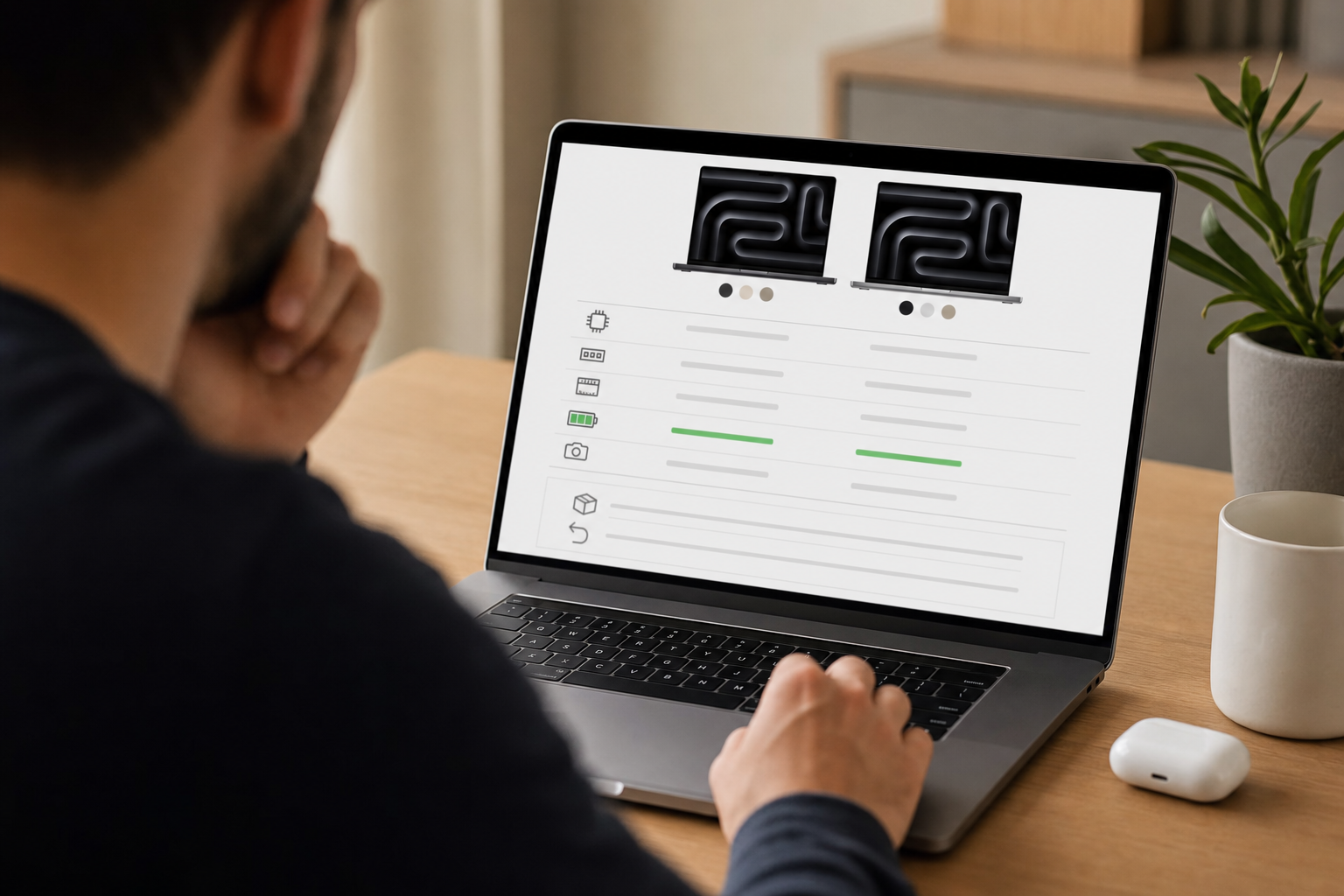
Start by comparing the listing against the new machine you would otherwise buy, not against the cheapest Mac you can find. A 16-inch MacBook Pro with an M1 Pro, 16GB RAM, and 500GB storage belongs in a different class than a base-model consumer notebook, so the value question is really about capability per dollar.
Then weigh the total package: exact chip, memory, storage, battery health, cosmetic condition, charger inclusion, and return terms. A seller asking a little more for a cleaner unit with clearer testing can be the better buy than a cheaper listing with blurry photos and no battery disclosure.
Cross-category comparisons can be useful here because they show what similar money buys outside Apple’s ecosystem. For example, a Dell Latitude 5320 13.3" Laptop i7 11th Gen 256GB SSD 16GB RAM Win 11 (CDI) B$359.95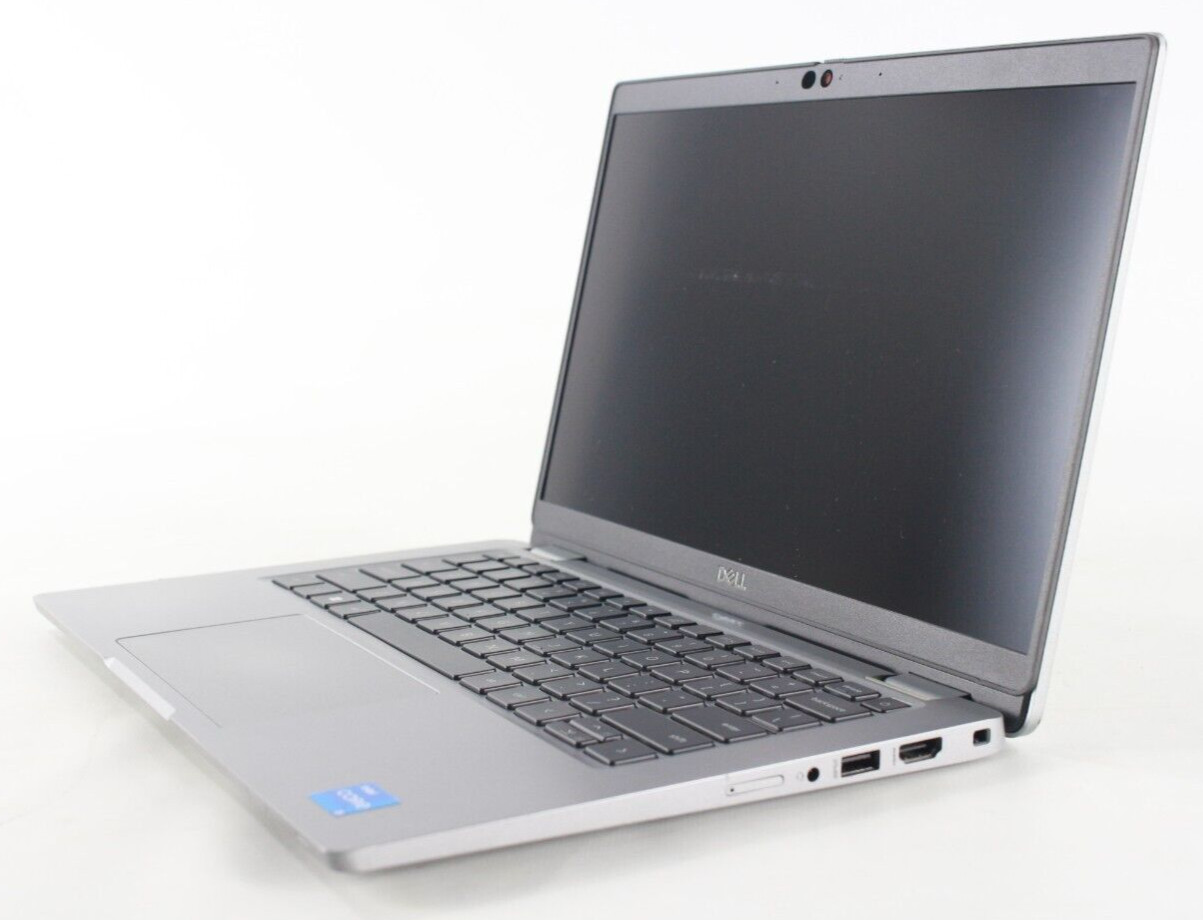 Dell Latitude 5320 13.3" Laptop i7 11th Gen 256GB SSD 16GB RAM Win 11 (CDI) BView on eBay → is listed at $359.95, which underlines how much Apple’s larger display, premium chassis, and Apple silicon performance still shape resale pricing at the high end.
What does “refurbished” mean versus used in Apple laptop listings?
Not every pre-owned MacBook Pro should be described the same way. Some are simply tested used machines with visible wear, while others may be repaired, restored, or graded under F5 — Refurbished, which is the functional grade name recognized by SERI’s R2V3 framework.
If the listing does not clearly state that the laptop was repaired, restored, remanufactured, or graded F5, treat it as used. That is not a negative; many excellent Apple laptops on the secondary market are simply well-tested, properly wiped, honestly described units rather than rebuilt machines.
Buyers who want more context on grades can review Understanding R2V3 Grades and compare how functional grades differ from cosmetic grades. That distinction is useful when a laptop has minor external wear but remains fully capable as a daily work machine.
What is the best used laptop checklist for a MacBook Pro purchase?
Use this used laptop checklist before you buy used Apple laptop hardware. It will catch most of the issues that lead to buyer’s remorse.
- Confirm the exact model number and year, such as MacBook Pro 2021 A2485.
- Verify the processor generation and make sure it matches your workload.
- Check RAM and storage, and decide whether 16GB and 500GB are enough for your files and apps.
- Review battery health and cycle count, not just whether the laptop powers on.
- Inspect the display for scratches, pressure marks, dead pixels, and uneven brightness.
- Confirm the keyboard, trackpad, webcam, speakers, Wi-Fi, Bluetooth, and ports were tested.
- Ask whether the charger is included and whether it is an original or compatible unit.
- Make sure the laptop is activation-unlocked and no longer tied to a previous owner.
- Check whether the serial number has been verified.
- Read the return window and any warranty terms carefully.
- Prefer sellers with clear disclosures and documented processes, especially an R2V3-certified electronics recycler.
Who should buy a used MacBook Pro 16-inch M1 Pro?
This class of MacBook Pro makes the most sense for buyers who need more than basic web browsing but do not need the latest release. Students in design or engineering programs, office professionals juggling heavy multitasking, developers running local environments, and creators editing photos or 4K video all benefit from the extra headroom.
It can be overkill for simple email and streaming. If your needs are lighter, you may be better served by a smaller or older laptop and put the savings toward storage, a monitor, or accessories elsewhere in Browse All Products or categories like Monitors & Projectors and Computer Components & Parts.
The best buying strategy is simple: prioritize honest condition reporting over optimistic adjectives. A well-documented MacBook Pro from a seller with clear testing, battery disclosure, and sensible return terms is usually the safer bet than chasing the absolute lowest price on a listing that leaves too much unsaid.
Frequently Asked Questions
Is a used Apple MacBook Pro worth buying in 2026?
Yes, if the model is still well supported, the battery is in good health, and the seller clearly discloses condition and testing. Apple laptops often remain useful for years, which is why strong used models continue to hold value.
What should I check first on a MacBook Pro 2021 A2485 listing?
Check the exact model, M1 Pro configuration, RAM, storage, battery health, cosmetic photos, charger inclusion, activation lock status, and return policy. Those details tell you far more than a vague “works great” description.
Is 16GB RAM enough for a used MacBook Pro?
For many buyers, yes. Sixteen gigabytes is a solid baseline for school, office work, coding, design tasks, and moderate media editing, and it gives the machine more room to age gracefully than 8GB.
How much battery wear is too much on a used MacBook Pro?
There is no single cutoff that fits every buyer, but low health and high cycle counts should push you to ask harder questions about runtime and replacement cost. A listing with exact battery details is always preferable to one that only says the battery works.
Why buy from an R2V3-certified electronics recycler instead of a random seller?
You get more confidence that the laptop was handled through documented reuse, data security, and recycling processes. That does not replace reading the listing carefully, but it is a meaningful trust signal when comparing sellers.
Does buying a used Apple laptop help reduce e-waste?
Yes. Keeping a capable laptop in service longer reduces demand for newly manufactured hardware and helps extend the useful life of electronics that might otherwise be retired early. The EPA’s guidance on electronics donation and recycling also supports reuse as part of responsible electronics management.
What is the best final recommendation before I buy?
Choose the listing that best balances specs, condition, battery health, testing transparency, and return options. If two prices are close, the safer pick is usually the one from a seller that provides fuller disclosures and operates from an R2V3-certified recycling facility.
Products Mentioned
Affiliate links — we may earn a commission if you buy through eBay.
Sponsored
Stay updated on R2V3 deals
Weekly deals from R2V3 certified recyclers in your inbox.